Delete a Data Connection
When you’re sure that a particular dataset should no longer exist at all in your Clean Room organization, you can delete the data connection associated with that dataset.
Before deleting a data connection, identify which questions currently use the dataset from that data connection and then update those questions to use a replacement dataset from a different data connection.
Note
If you only need to temporarily disable a particular dataset, you can pause the data connection so that you can resume using it later. You also might want to pause the data connection first and then test any affected flows, questions runs, or exports to make sure that they function correctly with the replacement dataset before deleting. For more information, see “Pause a Data Connection”.
To delete a data connection:
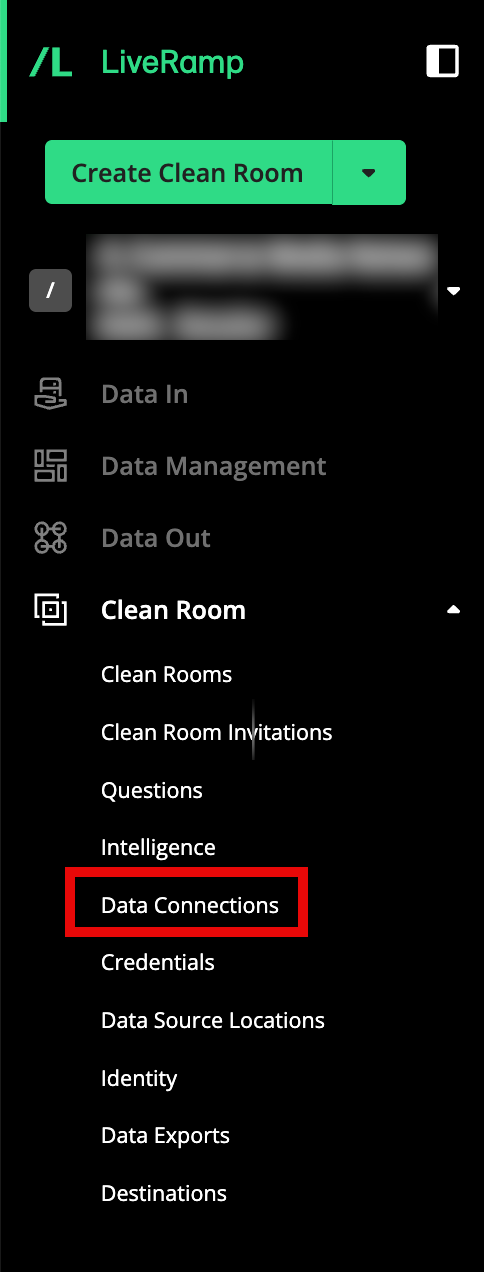
From the navigation menu, select Clean Room → Data Connections to open the Data Connections page.
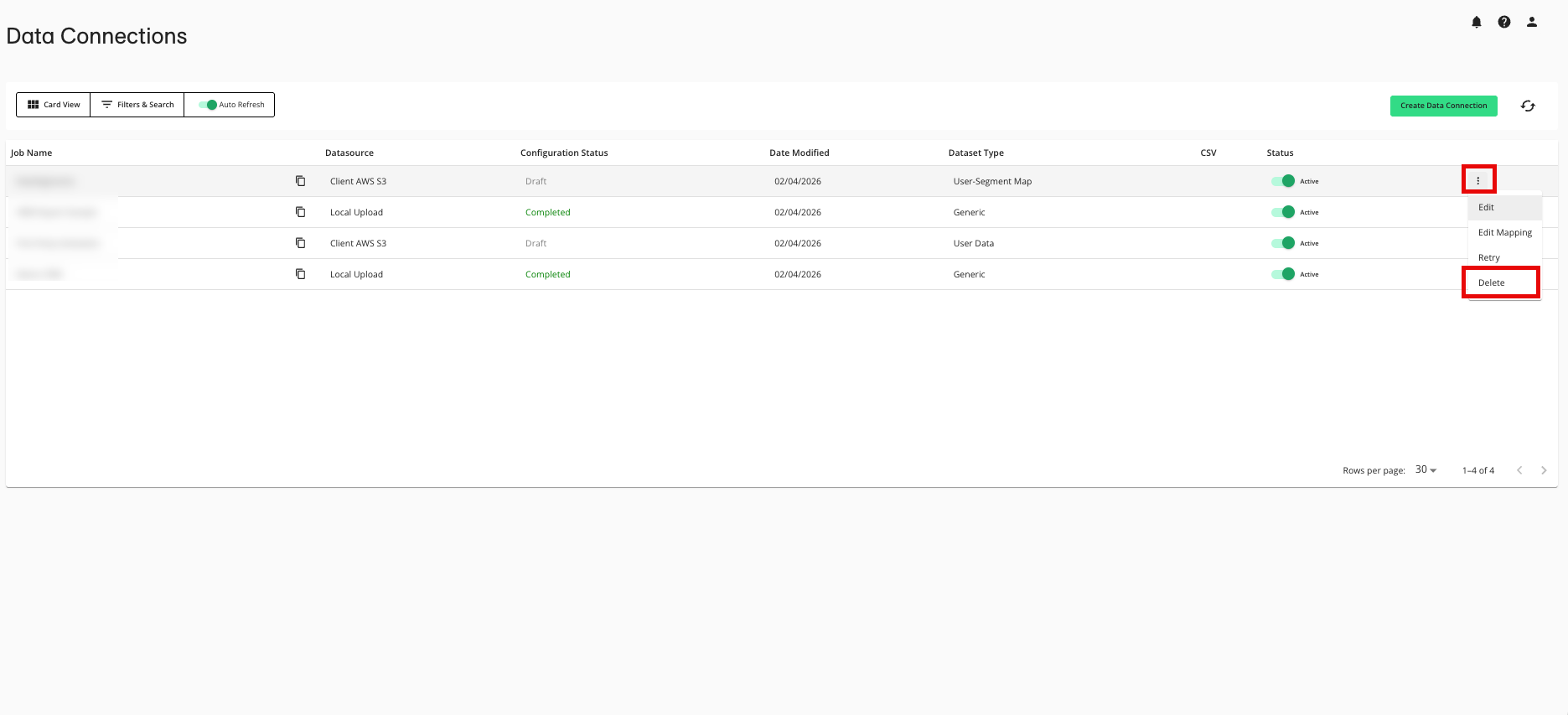
From the row for the data connection that you want to delete, click the More Options menu (the three dots) and then select Delete.
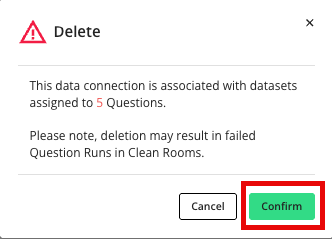
From the confirmation dialog, click .
Note
Make sure to update any affected questions that you need to keep to use a replacement dataset from a different data connection.