My Profile
You can view your user account details, including your roles and the organizations you can access in My Profile.
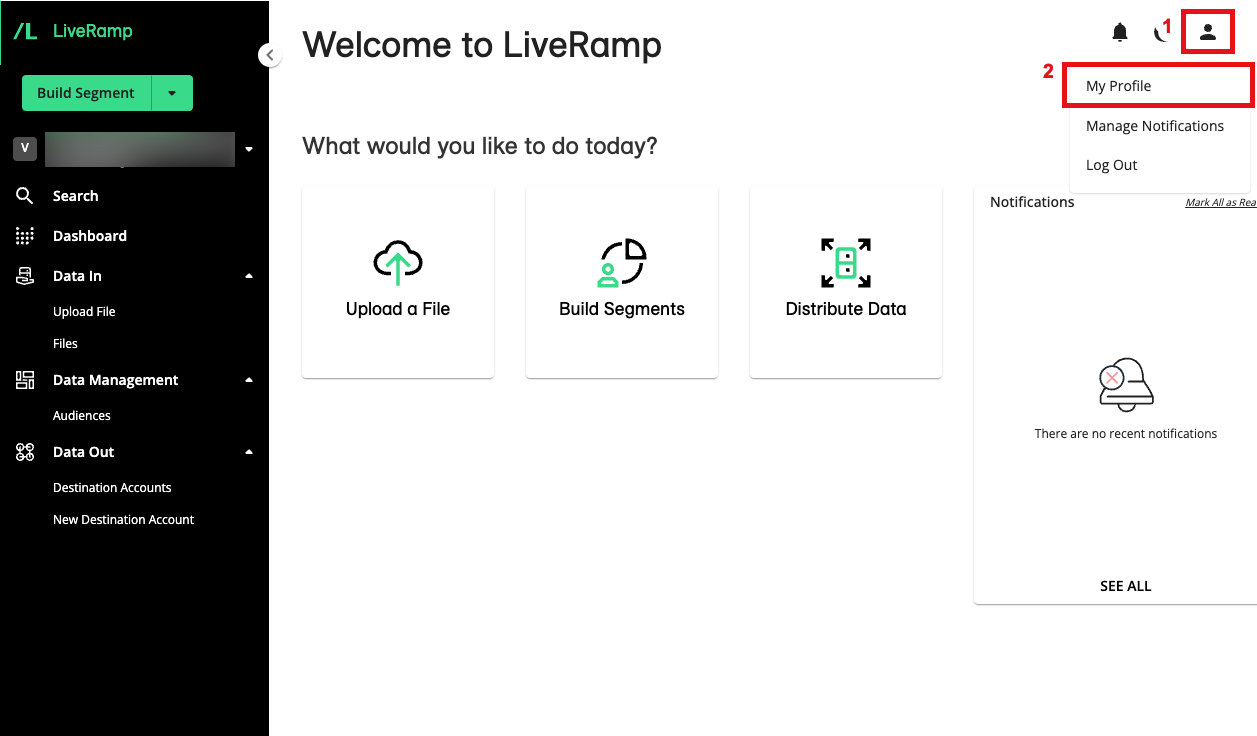
To go to My Profile, click the user icon on the top right-hand side of any screen (1) and select My Profile (2).
The My Profile pop-up displays the following information:
User Email: The email associated with the LiveRamp user account.
User ID: The LiveRamp user identifier associated with the LiveRamp user account.
Clean Room Access: Organizations you have access to in LiveRamp Clean Room.
Roles: The roles or access you have for the related organization. To learn more, see "Managing LiveRamp Clean Room User Roles"