Delete a Template
If you no longer need a template, you can delete it:
Note
If the template you want to delete is not visible to you, have a user whose role includes the "Manage Clean Room Roles" permission add you as a user to the template clean room. To be able to delete a template, you will need the "Clean Rooms Administrator" organization role.
Deleting a template has no effect on clean rooms generated from that template, clean rooms that have had the template’s items added, or templates copied to other organizations.
From the navigation menu, select Clean Room → Clean Rooms to open the Clean Rooms page.
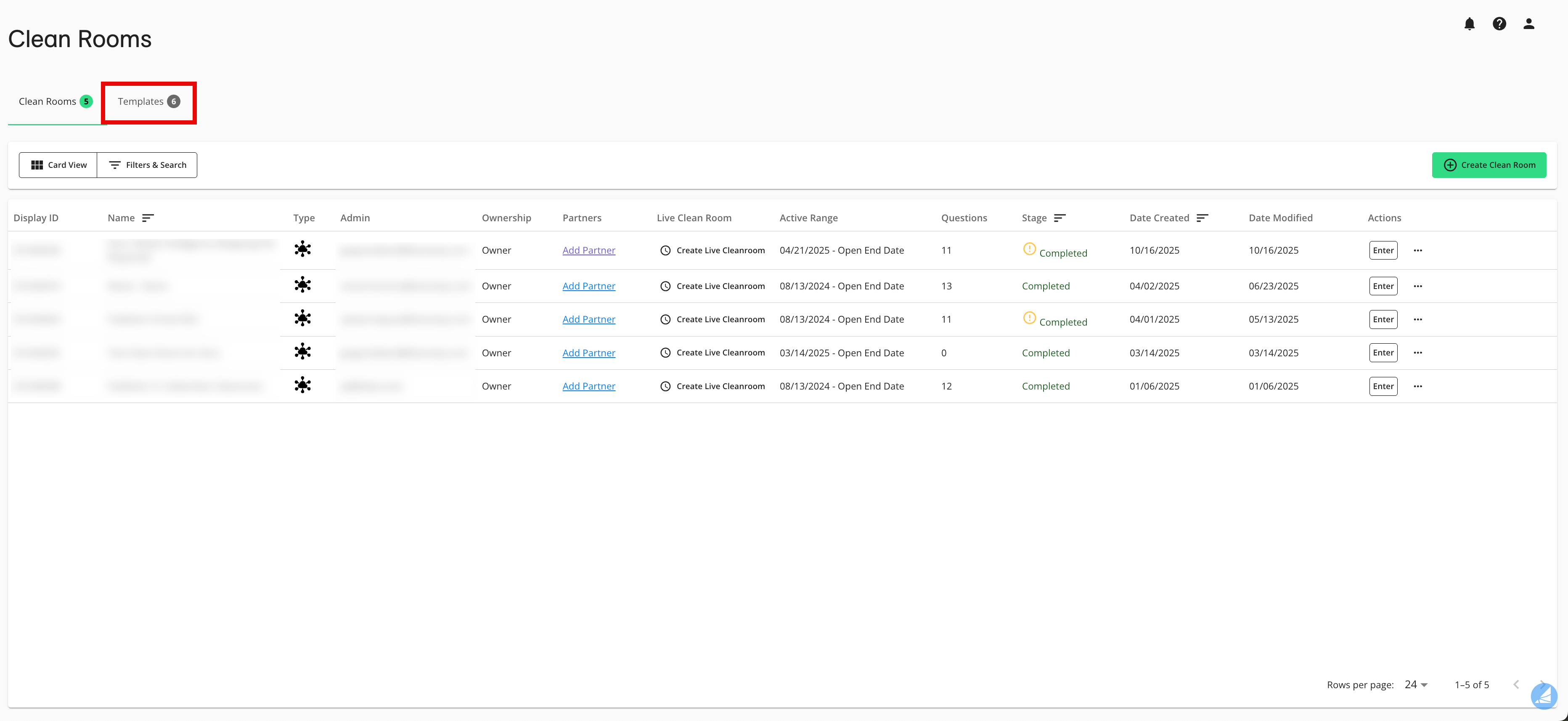
Select the Templates tab.
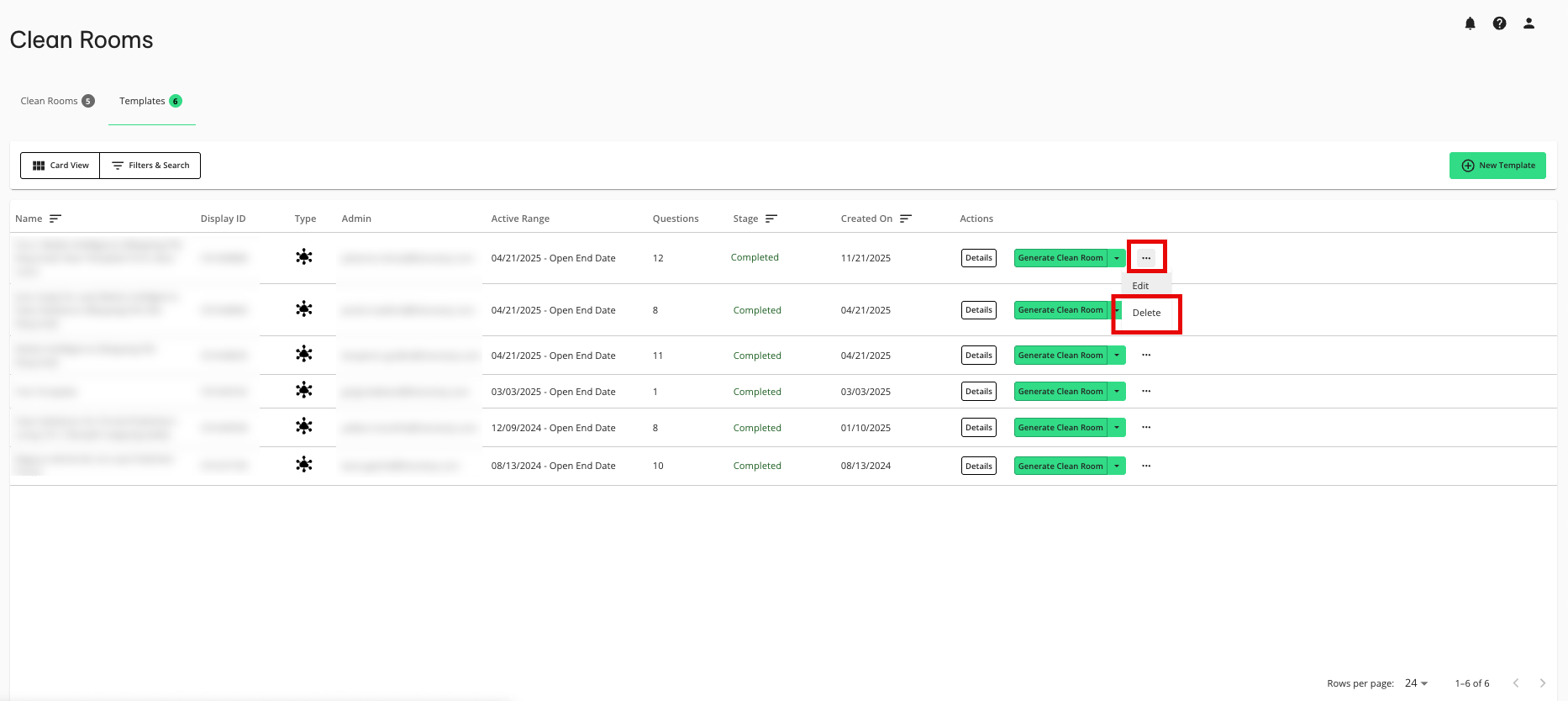
From the More Actions menu (three dots) for the template you want to delete, select Delete.
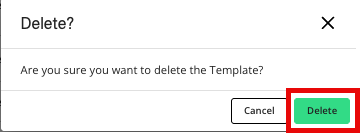
From the confirmation dialog that appears, click .