Edit Credentials
At times, you might need to edit information for existing credentials, such as when you need to update or rotate credential information or when you need to troubleshoot a data connection issue.
Note
You cannot edit any credentials that were not added by your organization, including credentials that were added by LiveRamp.
To edit existing credentials:
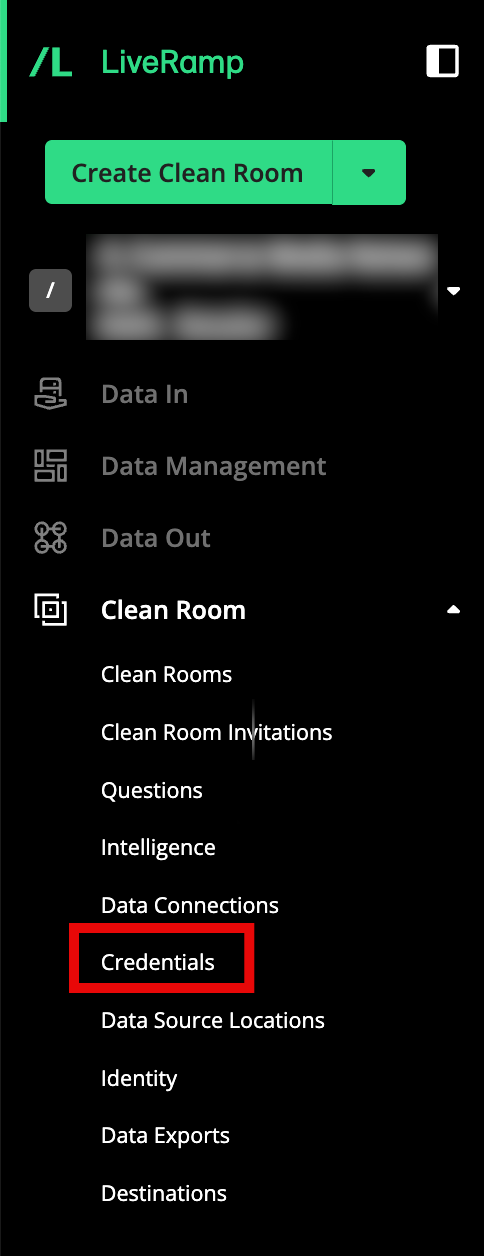
From the navigation menu, select Clean Room → Credentials to open the Organization Credentials page.
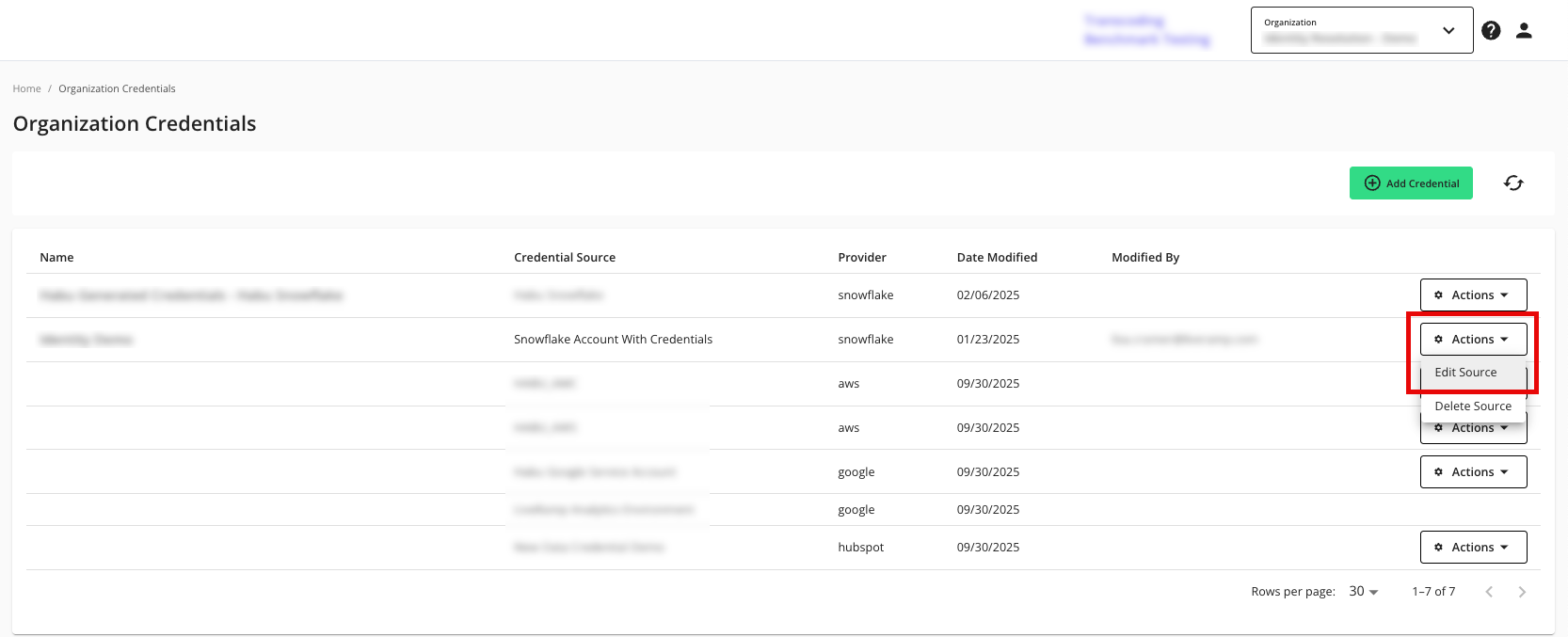
In the row for the credentials you want to edit, click the Actions dropdown menu and then select Edit Source.
From the Edit Credential screen, make any necessary changes and then click .
Note
You cannot view the existing password/key. To change the password/key, enter a new password/key.