Add a Template's Items to an Existing Clean Room
Once you’ve created a template, you can also add the following items in the template to an existing clean room in the current organization:
Questions
Flows
Intelligence reports and dashboards
For example, this can be useful when you have a question that you like in a template. You can send that question to an existing clean room, even if that clean room was created before your template existed (or if that clean room was created by somebody else without using the template).
Note
The clean rooms you want to add the template’s items to must be the same clean room type as the template.
Any Terms & Conditions attached to the template do not get applied to the target clean rooms. Any Terms & Conditions for those target clean rooms stay in effect.
Template question permissions are included in templates; when you add a template to an existing room, any explicit question-level permissions defined in the template come along with the cloned questions. If a question has no explicit overrides in the template, the target clean room’s default question permissions apply to the newly added questions. Existing questions in the clean room are unaffected.
If the template is not visible to you, have a user whose role includes the "Manage Clean Room Roles" permission add you as a user to the template clean room. To be able to add a template's items to an existing clean room, you will need the "Clean Rooms Administrator" organization role
To add a template's items to an existing clean room:
From the navigation menu, select Clean Room → Clean Rooms to open the Clean Rooms page.
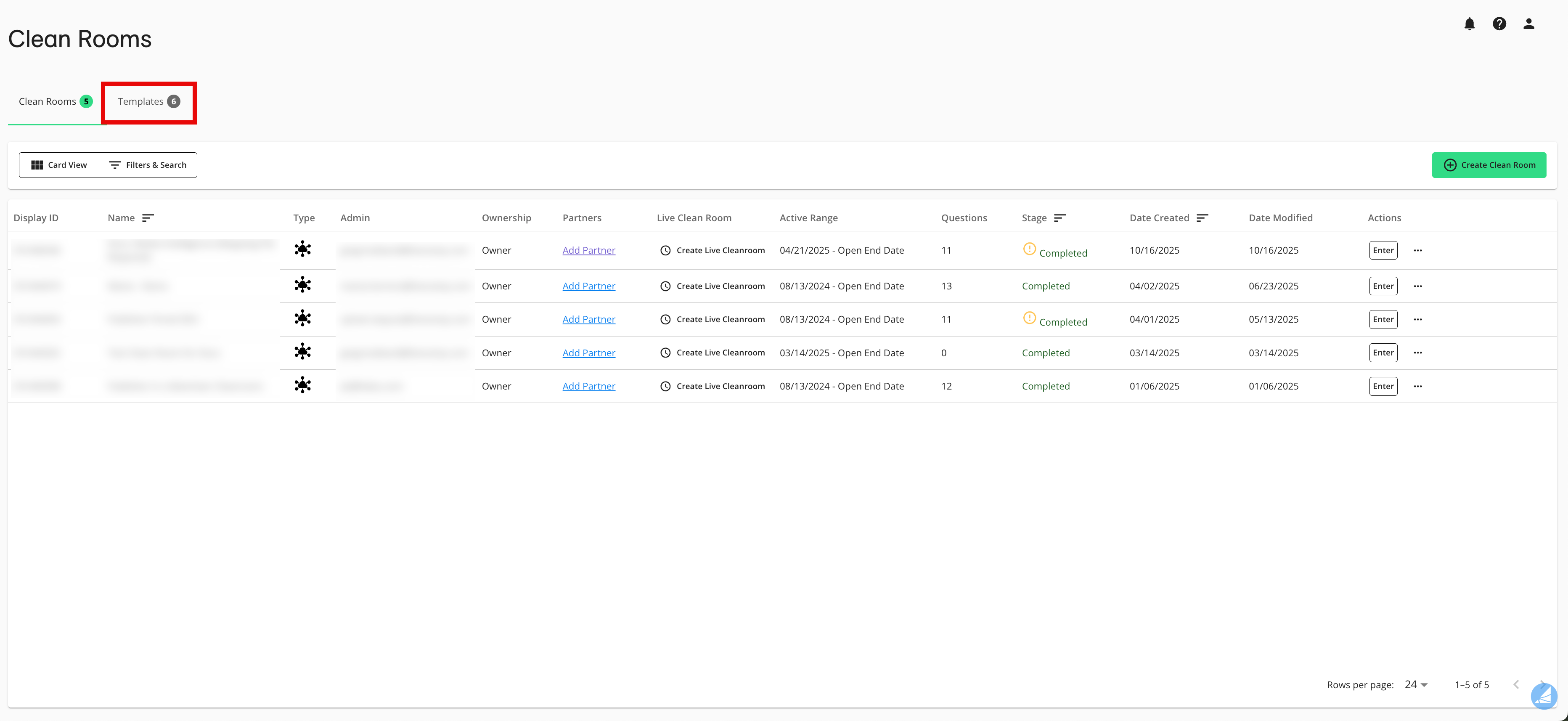
Select the Templates tab.
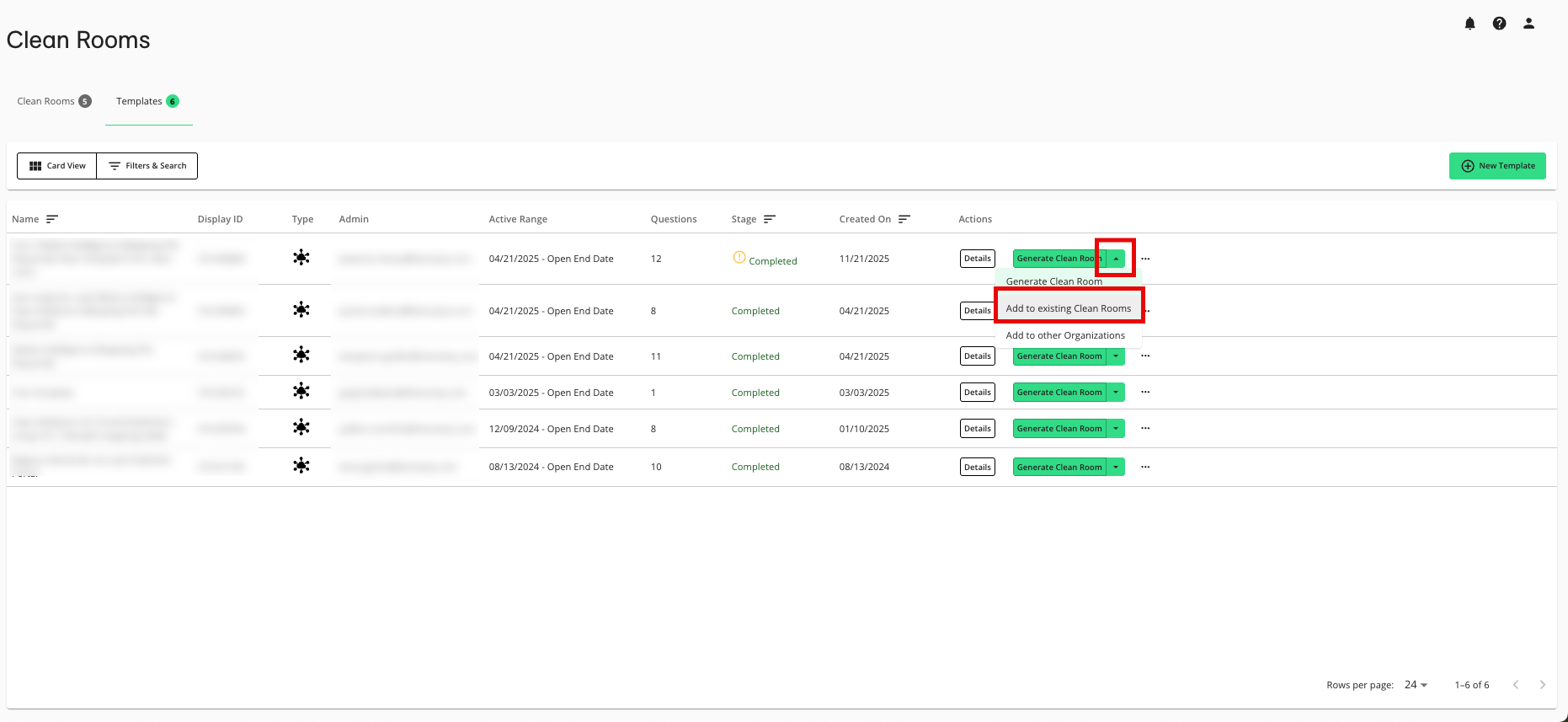
From the dropdown list in the row for the desired template, select Add to existing Clean Rooms.
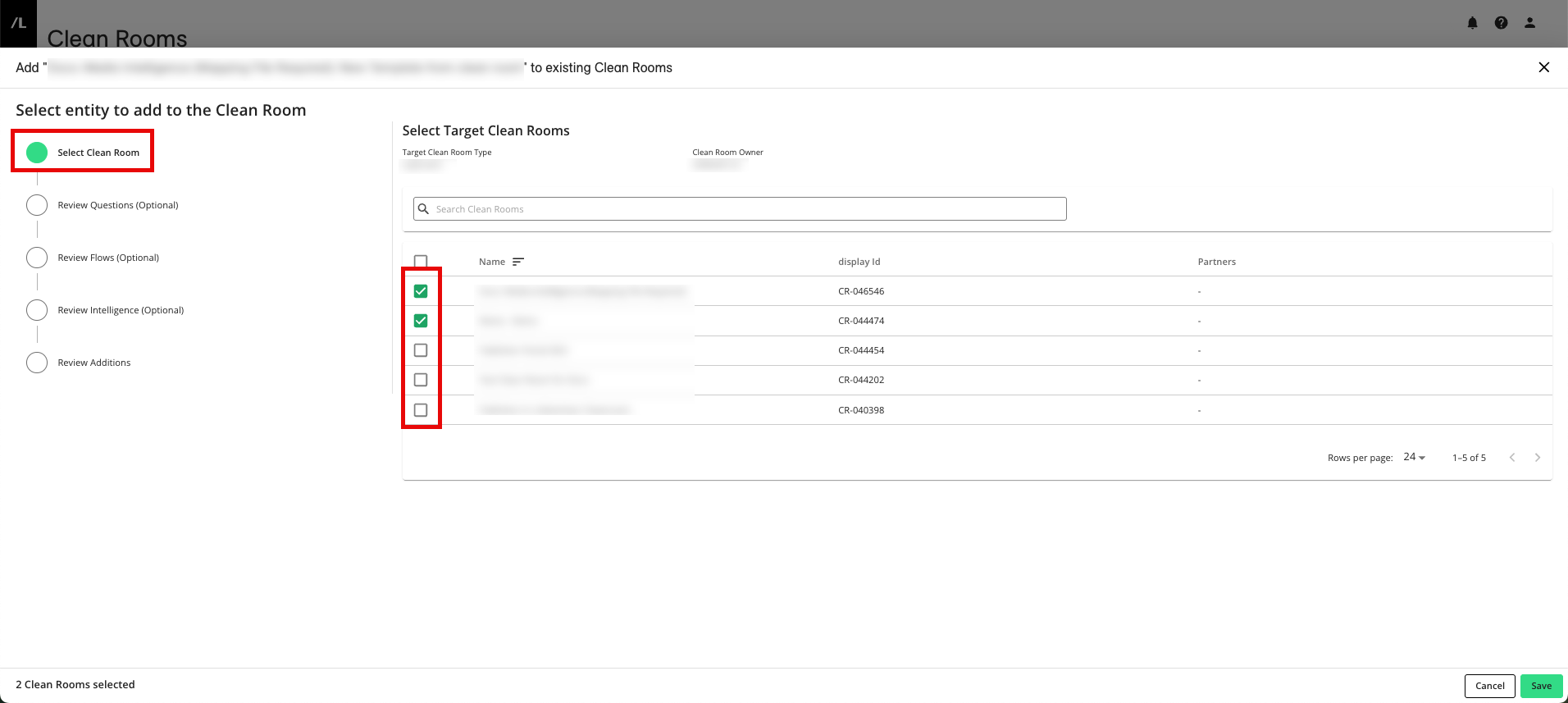
From the Select Clean Room step, select the clean rooms you want to add the template’s items to.
To be able to adjust the questions in the clean room you're adding them to without affecting them in the template, select Decouple From Template in the lower right (this can be done at any step).
Note
It is highly recommended to decouple the clean room questions from the template so that you have the flexibility to make changes in the clean room without affecting the template (and vice-versa). For more information, see “Decoupling a Clean Room Template”.
The option to decouple applies to all items you're adding to the existing clean room, so you only need to select it once (not on each individual step).
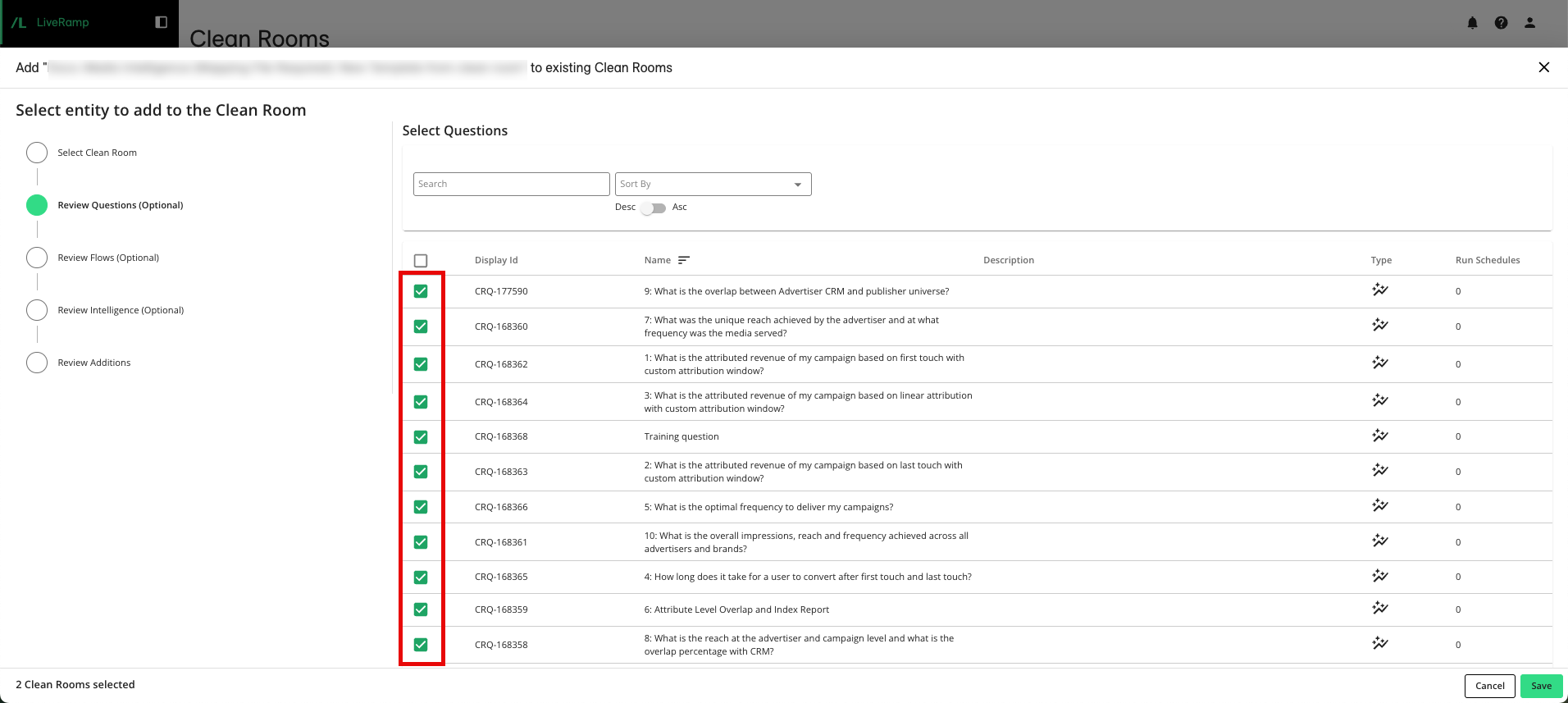
To select the questions that have been provisioned to the template that you want to include, click the Review Questions step and then make any needed adjustments.
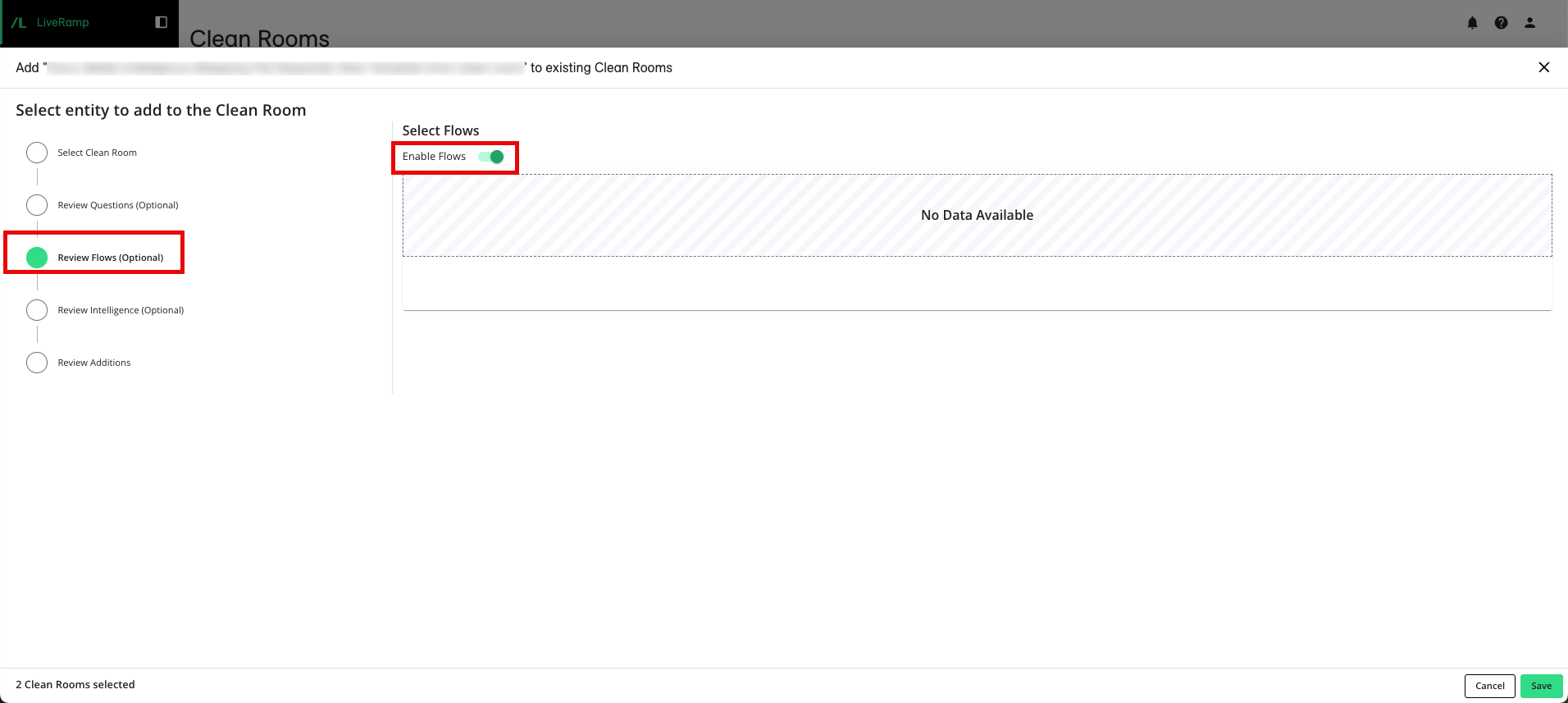
To select if Flows that you may have configured in your template should be added to the existing clean room along with your questions, click the Review Flows step and enable or disable flows.
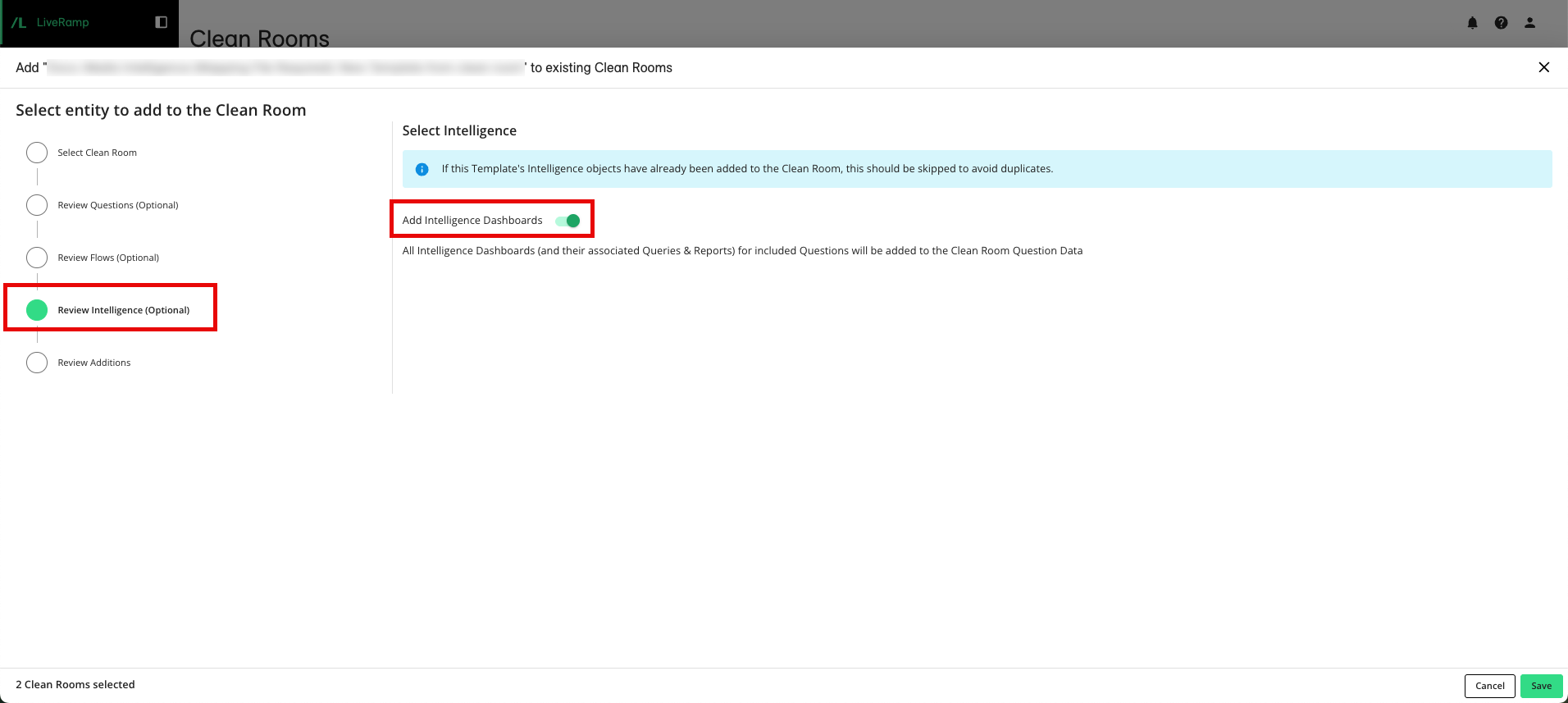
To select if Intelligence reports that you may have configured in your template should be added to the existing clean room, along with your questions, click the Review Intelligence step and then select or deselect Intelligence dashboards.
Note
If the template's Intelligence dashboards have already been added to the clean rooms, Intelligence dashboards should not be added (to avoid duplicates).
To review the details, click the Review Additions step.
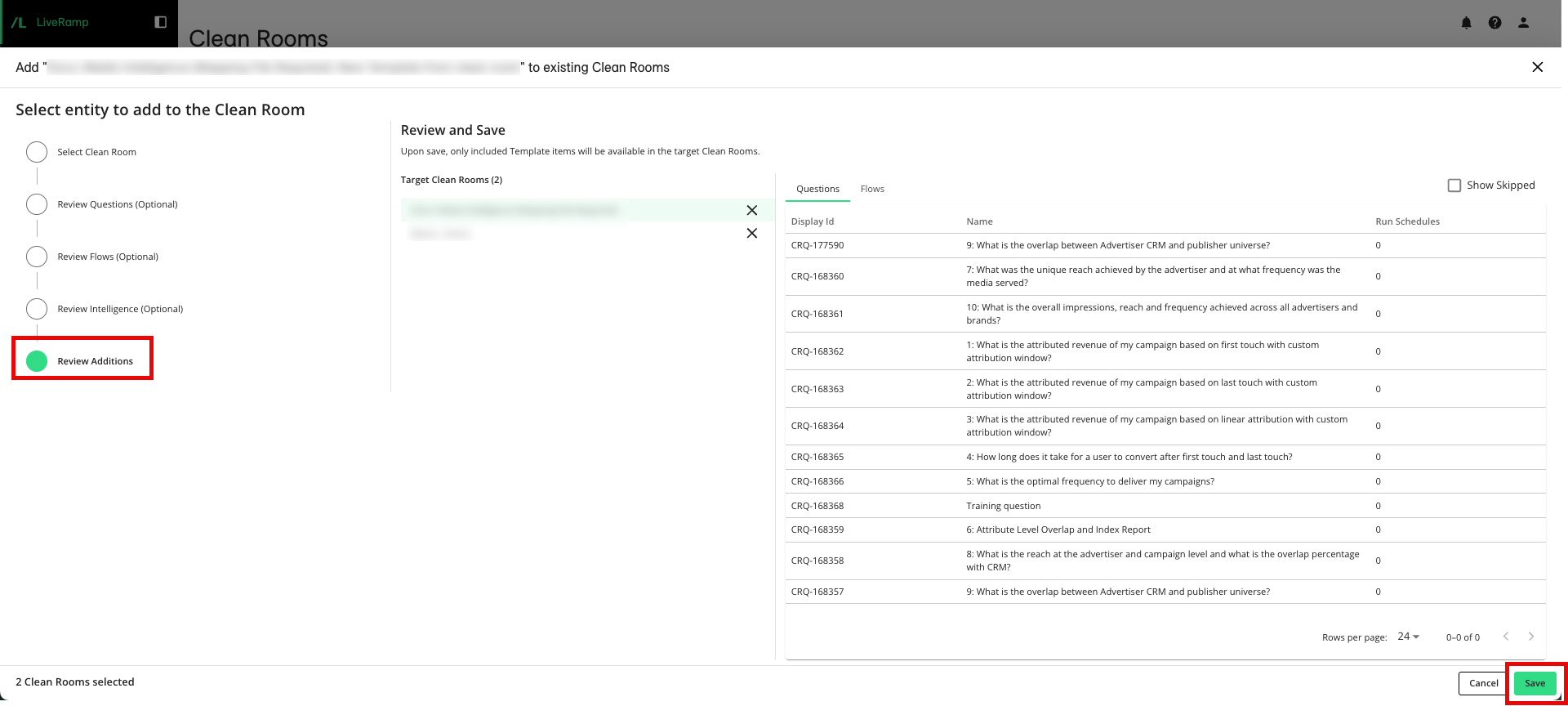
When you finish, click .