Copy a Template to a Different Organization
Once you’ve created a template, you can copy that template to other organizations in your account so that it can be used to generate new clean rooms in those organizations.
Note
If the template you want to copy is not visible to you, have a user whose role includes the "Manage Clean Room Roles" permission add you as a user to the template clean room.
You must have the Clean Rooms Administrator role in both the current organization and the target organizations (or be an Account Admin on those accounts) to copy a template to a different organization.
When you copy a template to another organization, no datasets or prepopulated question runs are included with the template.
To copy a template to a different organization:
From the navigation menu, select Clean Room → Clean Rooms to open the Clean Rooms page.
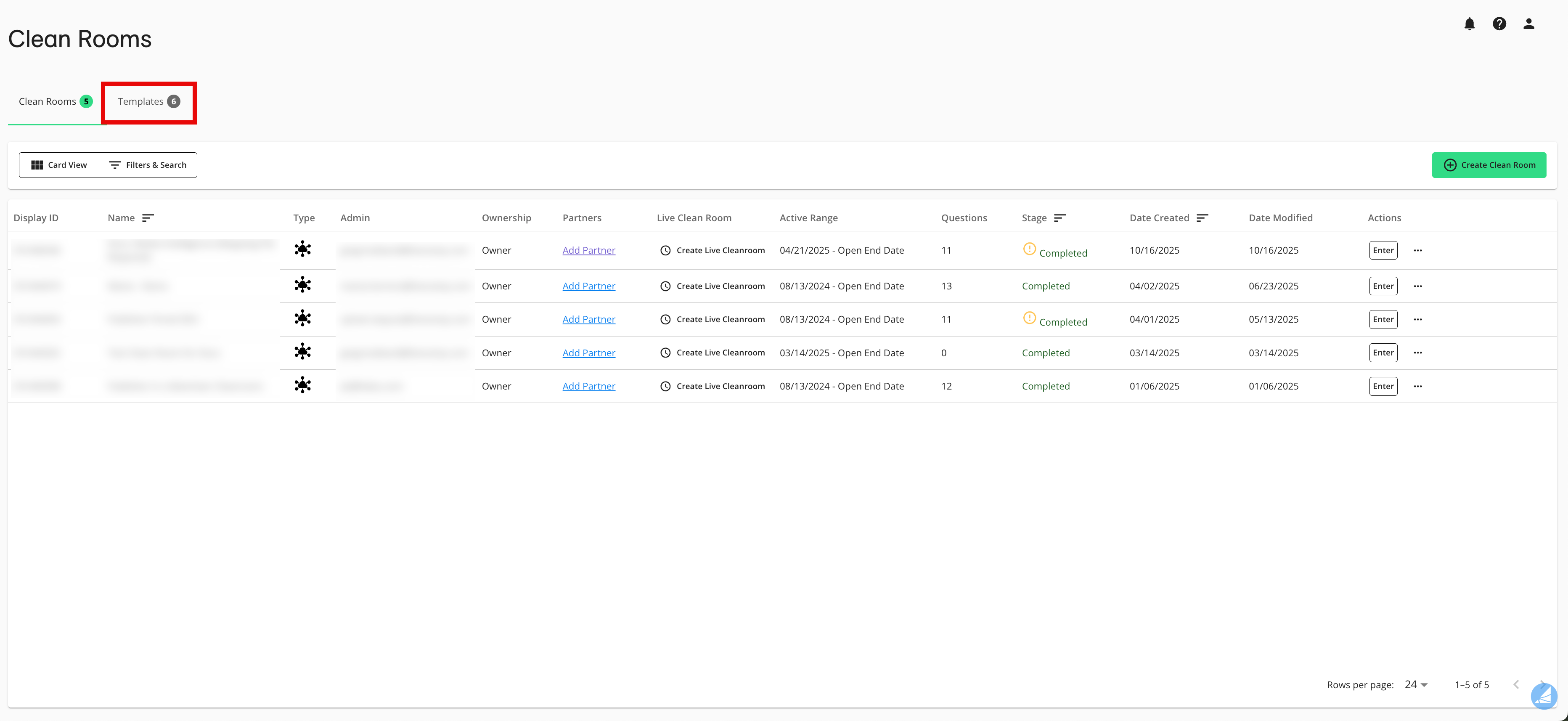
Select the Templates tab.
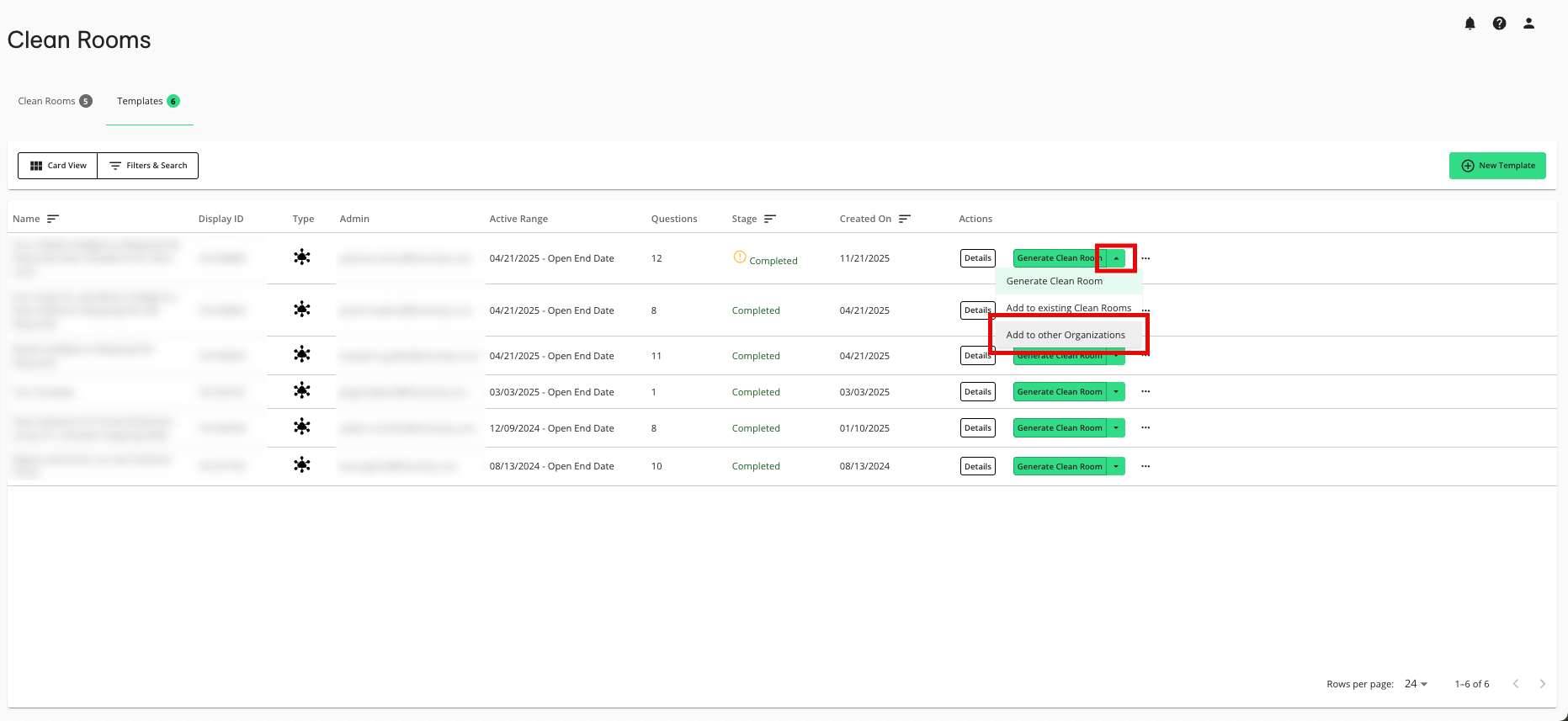
From the dropdown in the row for the desired template, select Add to other Organizations.
From the Clean Room Details step, make any desired adjustments:
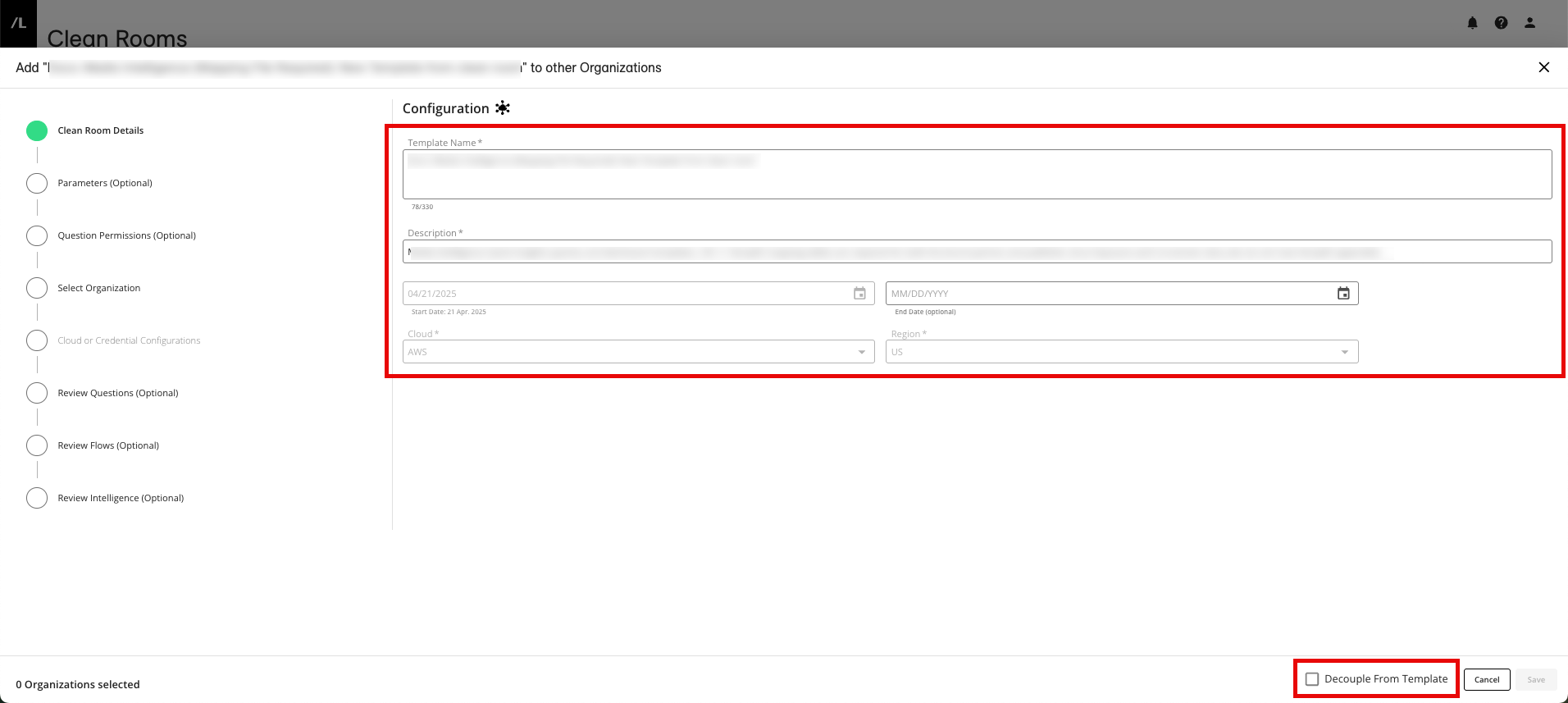
Adjust the name and description for the template
Add or update the end date, if necessary
To adjust the questions or dataset configurations in the original template without affecting the questions or dataset configurations in the copied template, select Decouple From Template in the lower right. This also prevents changes in the copied template from changing the base template.
Note
It is highly recommended to decouple the clean room from the template so that you have the flexibility to make changes in the clean room without affecting the template. For more information, see “Decoupling a Clean Room Template”.
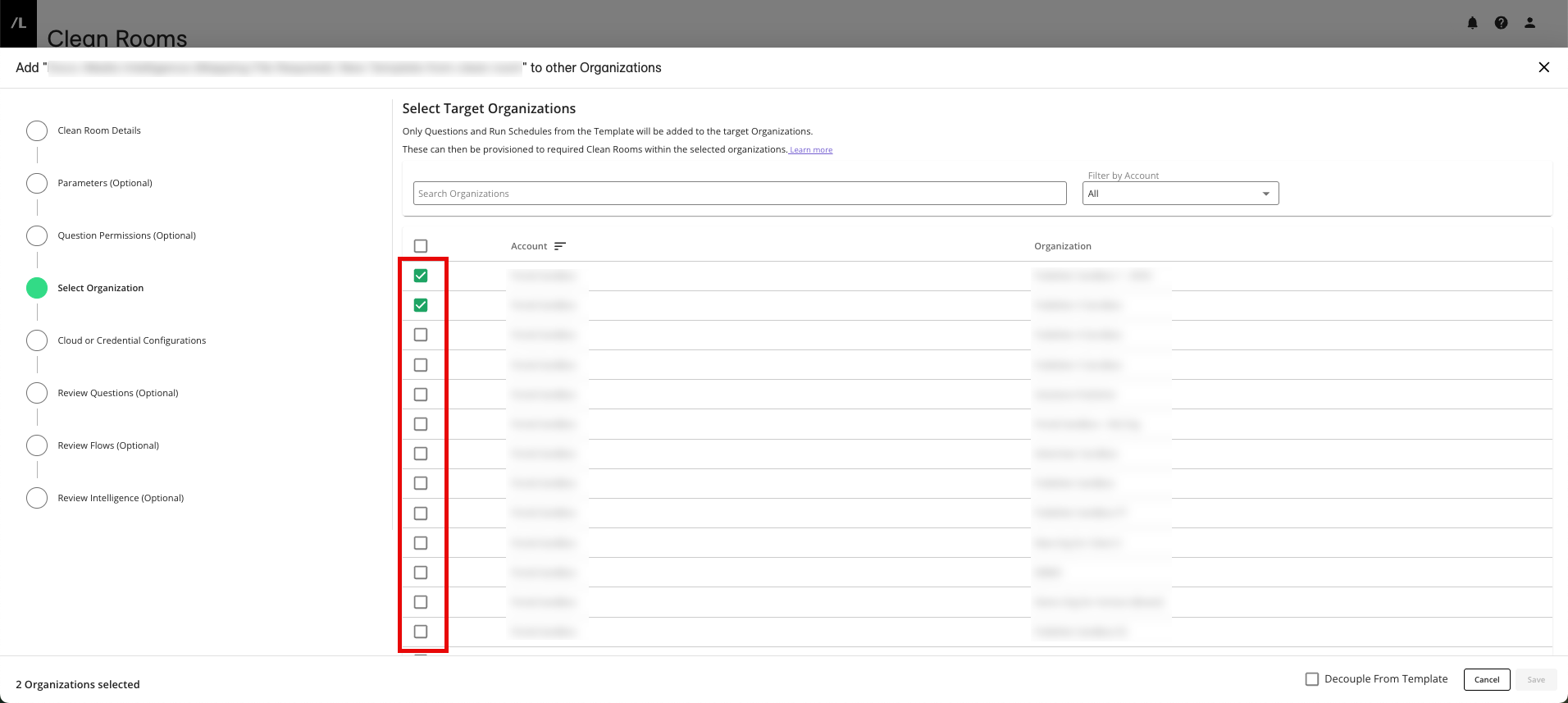
Click the Select Organization step and check the check boxes for one or more organizations within your LiveRamp Clean Room account to generate the template in.
Click the Cloud or Credential Configurations and enter or select the appropriate information:
For a template for a Hybrid clean room or a Confidential Computing clean room, select the cloud and region for each organization.
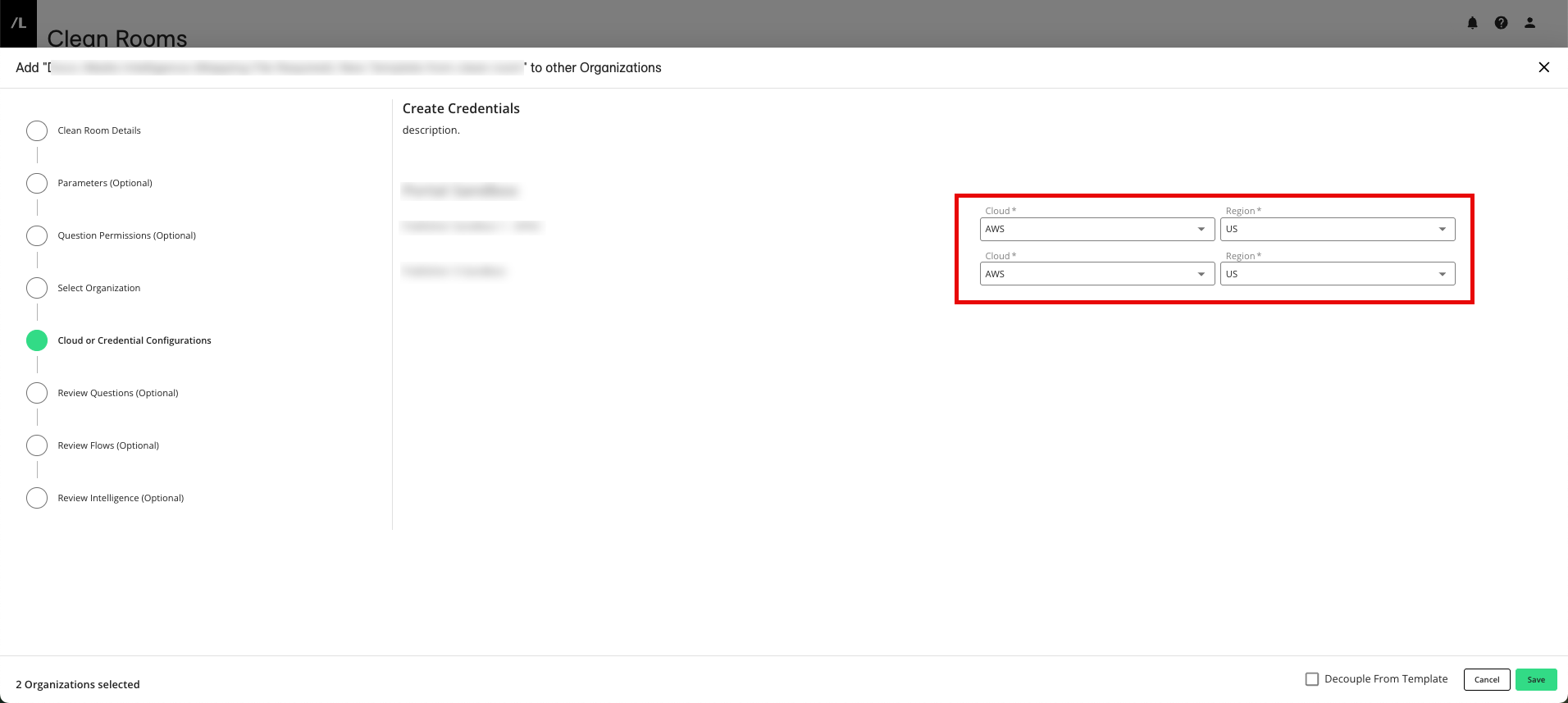
For a template for a native pattern clean room, select your cloud provider credentials.
To adjust the template's other settings, click the appropriate steps on the left-hand side of the screen and edit the settings:
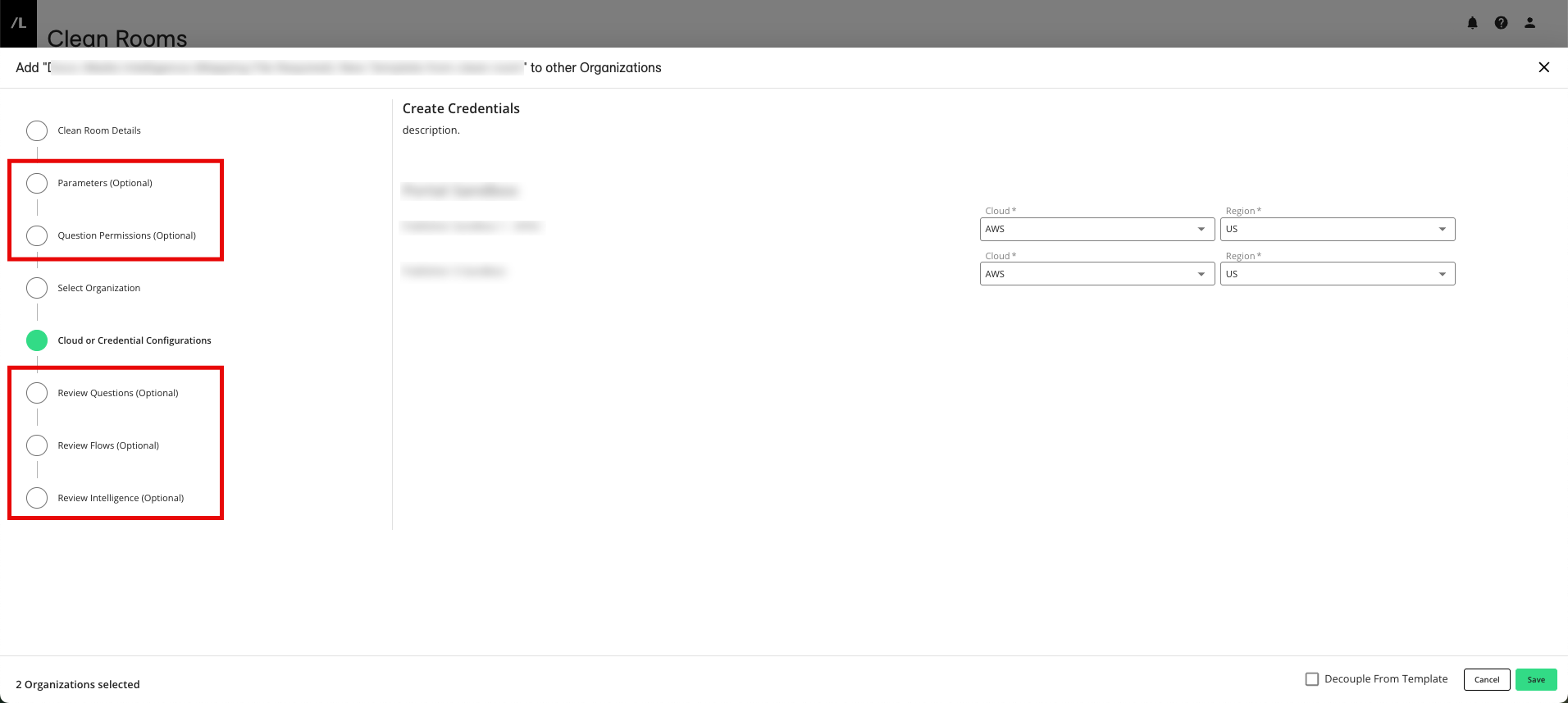
From the Parameters step, make any needed adjustments to the data control parameters
From the Question Permissions step, make any needed adjustments to what partners can do on questions within the clean room
From the Review Questions step, make any needed adjustments to the questions that are included
From the Review Flows step, make any needed adjustments to the Flows that are included
From the Review Intelligence step, make any needed adjustments to the included Intelligence
Once you've confirmed all the settings, click .
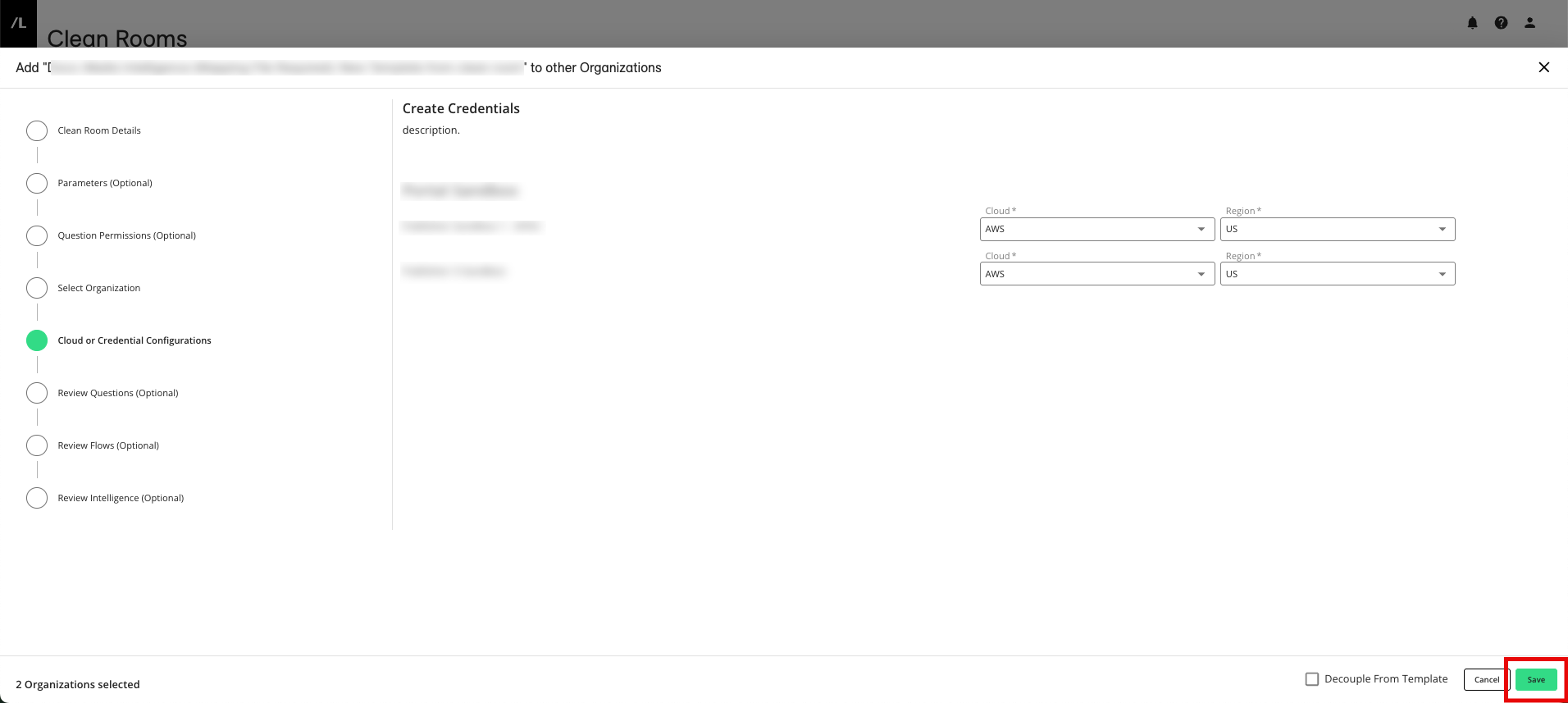
The process of generating the new template will take a few minutes. Once it's generated, it will appear on the Clean Rooms page within the other organizations. You can then customize the generated template as needed before using it to generate clean rooms in those organizations.