Invite a Partner to Your Clean Room
Clean room owners can invite partners to a clean room to combine and analyze data sources from multiple parties. This applies to standard clean rooms and Snowflake clean rooms.
Note
A direct customer of LiveRamp Clean Room can invite a partner who is not a direct LiveRamp Clean Room customer to participate in the direct customer's clean room under a limited license. For more information, see "Licensing".
Tip
Enable notifications for Clean Room Invitation Responses to receive status updates via email or in-app. See "Viewing and Managing Notifications" for more information.
There are two ways to invite a partner:
Via email: Send an invitation by providing your partner's email. If the email is linked to multiple LiveRamp organizations, you will be required to provide your partners' organization ID.
Via code redeem: Your partner generates a single-use invite code in their organization account, which you can redeem from within the clean room to add their organization.
Note
Invite codes start with
cr_followed by lowercase letters and numbers. For example:cr_2c49274c75135cdu8c217eab0262e9cfOrg IDs have no prefix and contain all uppercase letters and numbers. For example:
01FGS7XTP78PMS5VE8J02SZGFA
For information on obtaining an Organization ID and invite code for partners, see the "Clean Room Invitation Guide for Partners" section below.
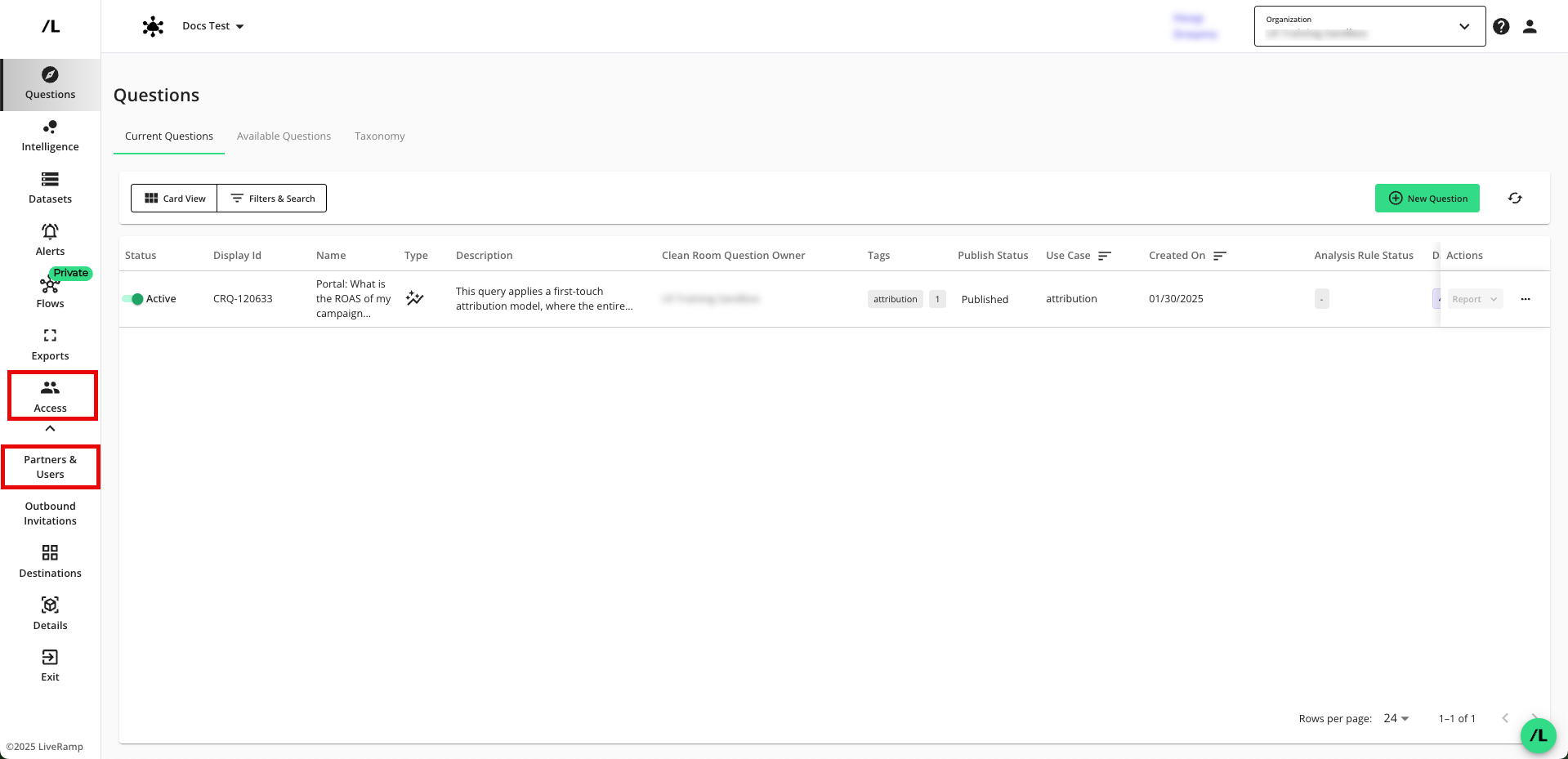
From your clean room, select Clean Room Access.
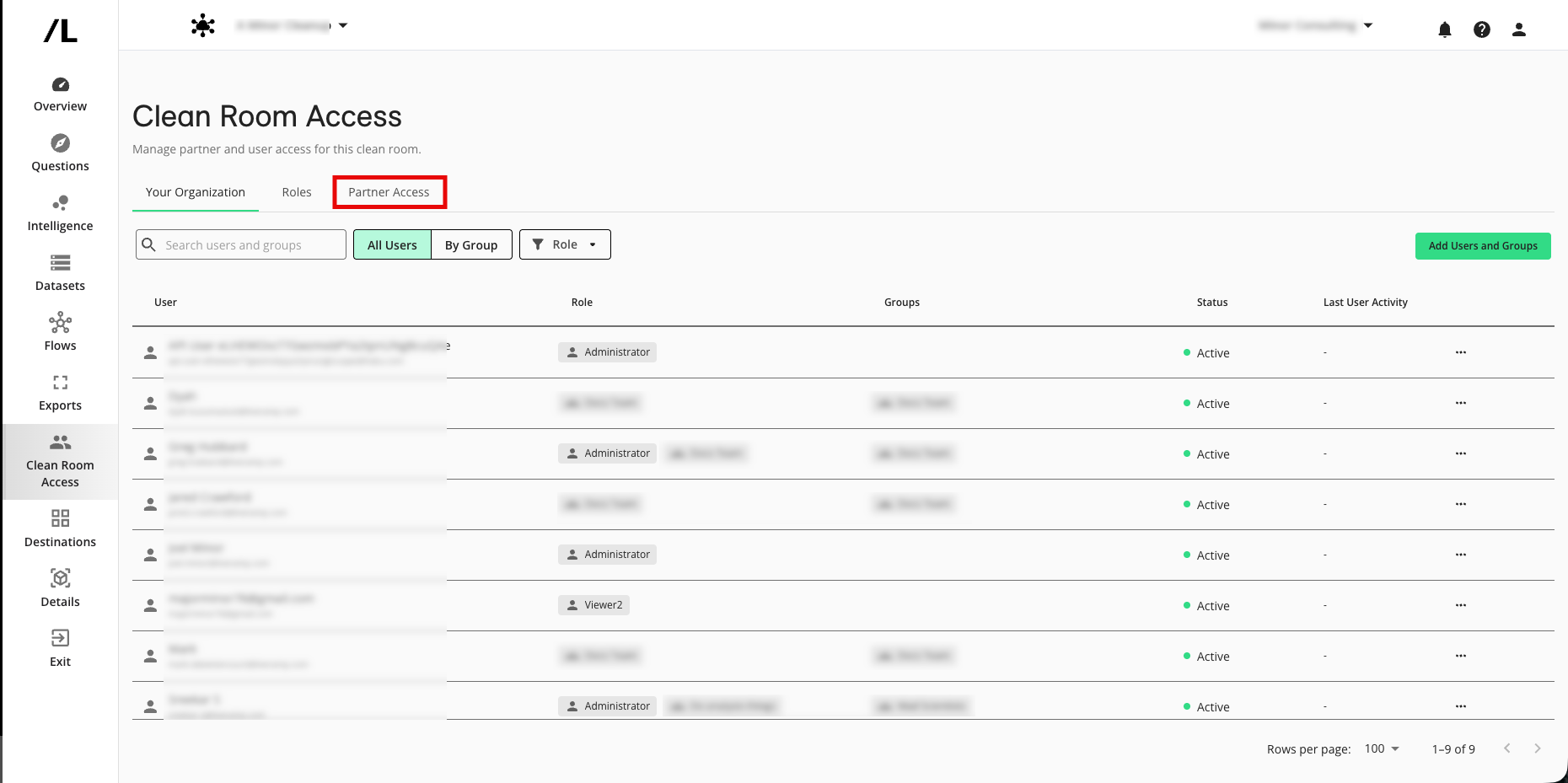
Select the Partner Access tab.
To invite a partner via email, click .
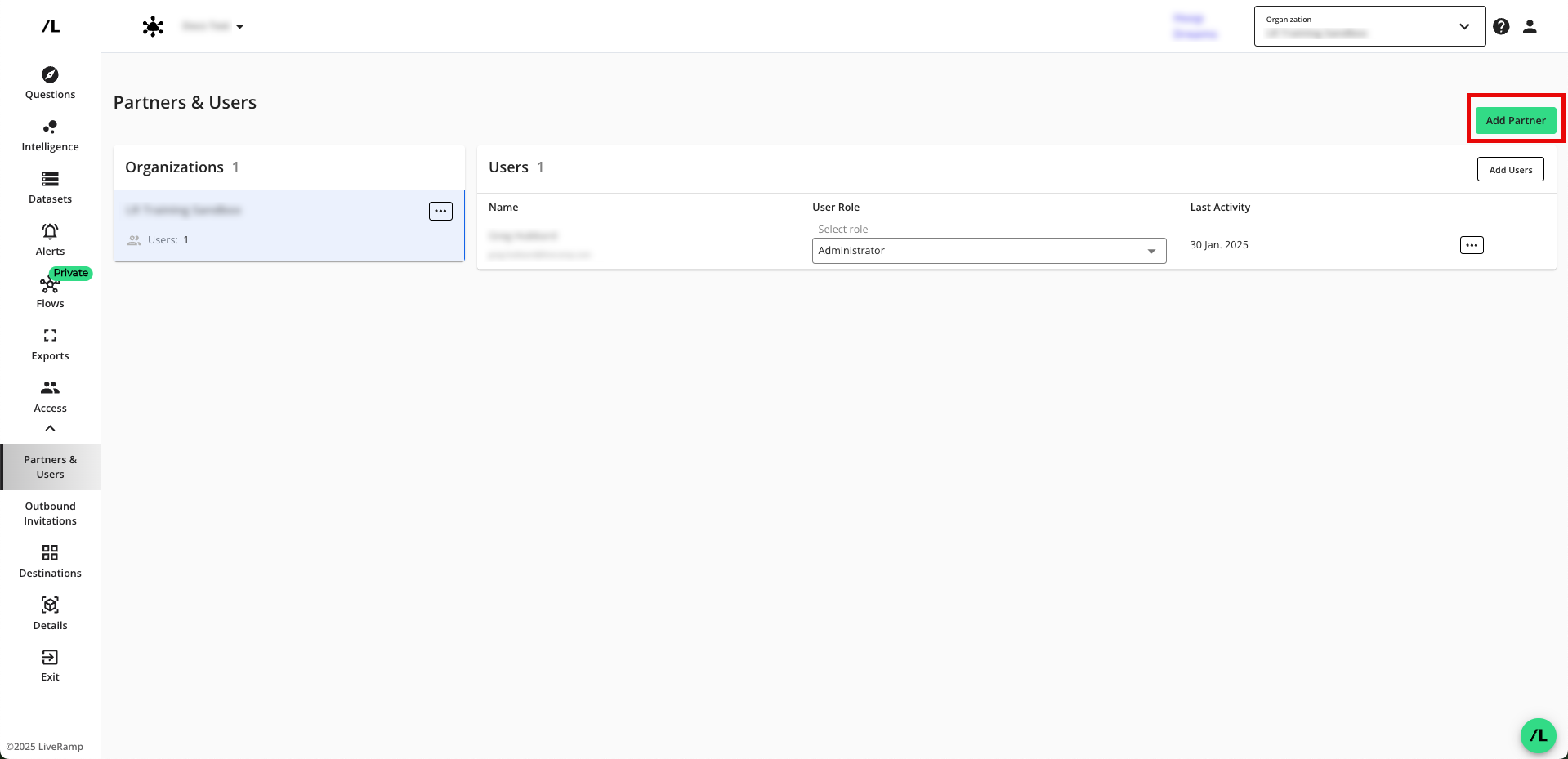
Optionally, if you have received an invite code from your partner, click , enter the invite code, and click . You may skip the rest of these instructions.
Note
Invite codes start with
cr_followed by lowercase letters and numbers. For example:cr_2c49274c75135cdu8c217eab0262e9cfOrganization IDs have no prefix and contain all uppercase letters and numbers. For example:
01FGS7XTP78PMS5VE8J02SZGFANote
You should only send a clean room invite to one user from the partner organization per clean room. The invited user can then add additional users directly to the clean room.
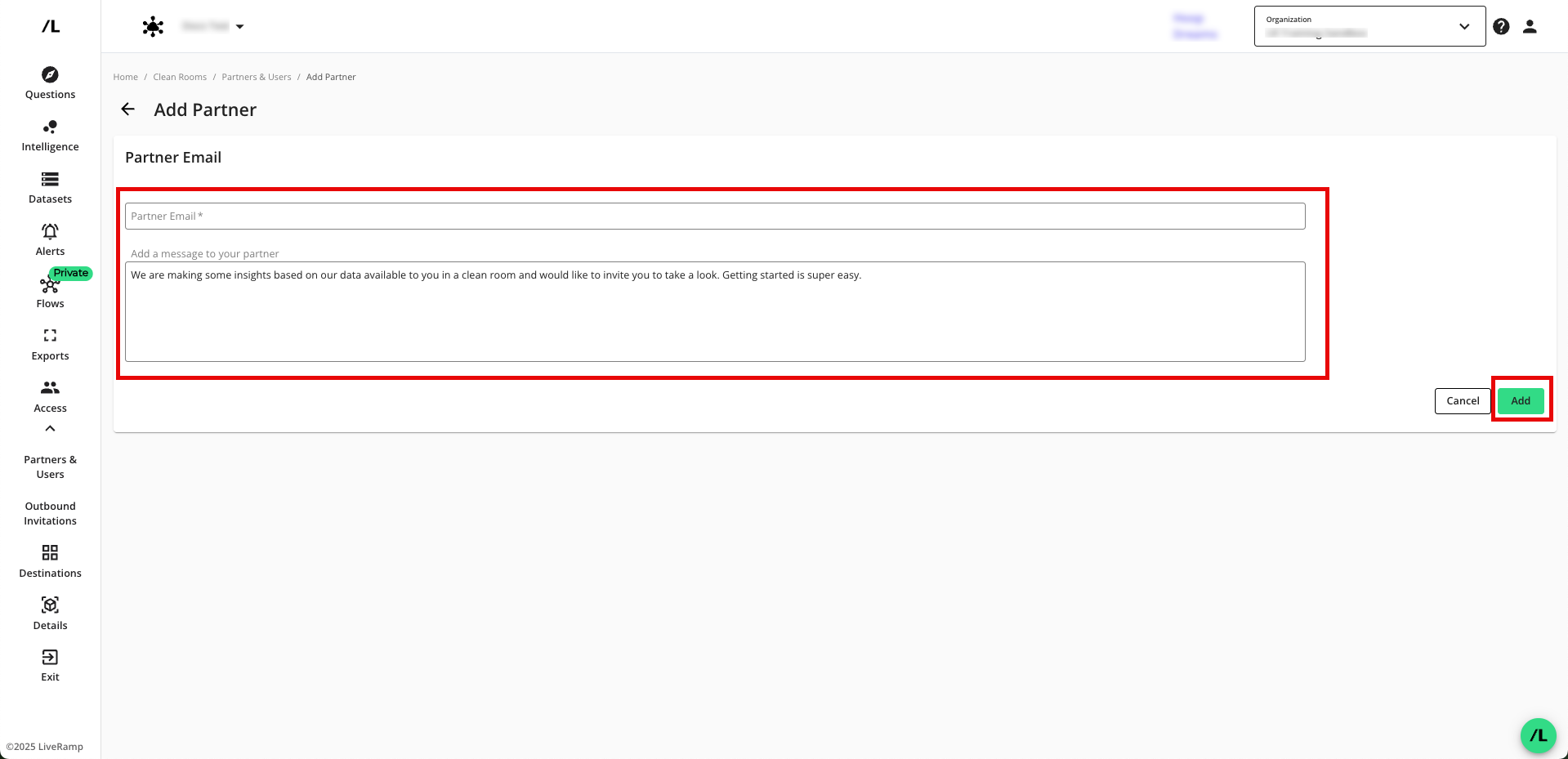
Enter the following information:
The partner's email address
The invitation message (you can accept the default message or modify it)
The partner data contribution (an optional field that allows you to let the partner know what data they might need to contribute to the questions in the clean room)
Note
If the partner belongs to multiple organizations, you will have to enter the organization ID for the organization you want this invitation to apply to.
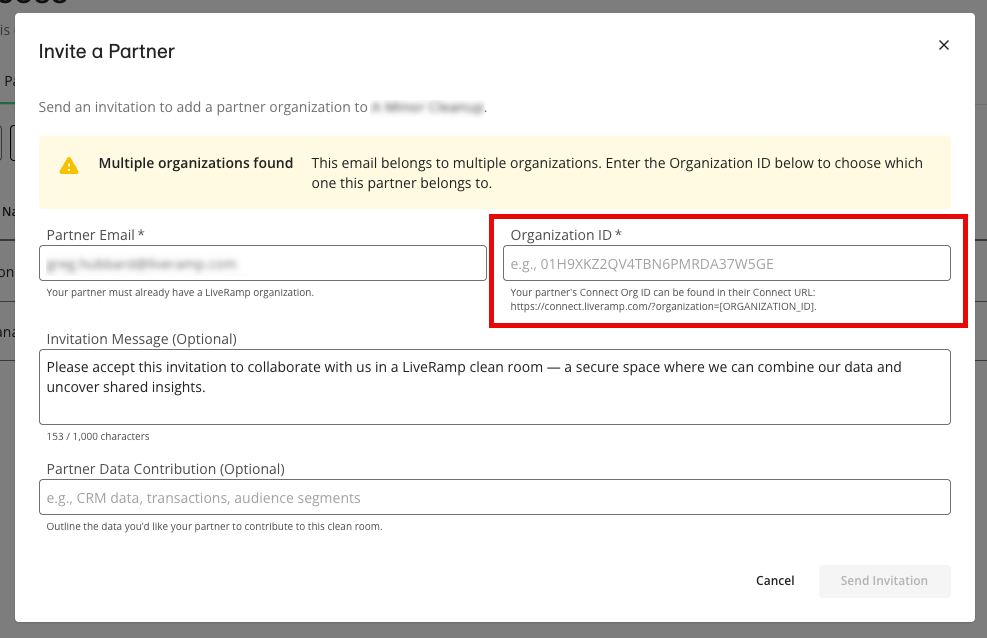
Click .
From the confirmation dialog that appears, click .
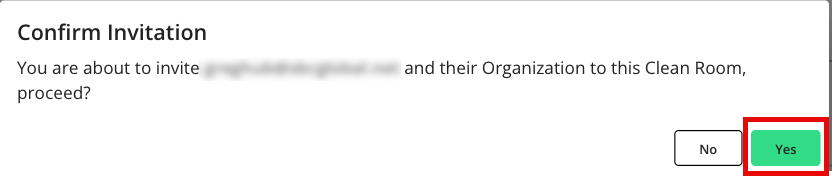
The partner will receive an email invitation from notification@liveramp.com that includes a link to the "Inbound Requests" tab of the Clean Room Requests page, where they can accept the invitation.
The partner can now navigate to Clean Room → Clean Rooms from the navigation menu to access the clean room.
Note
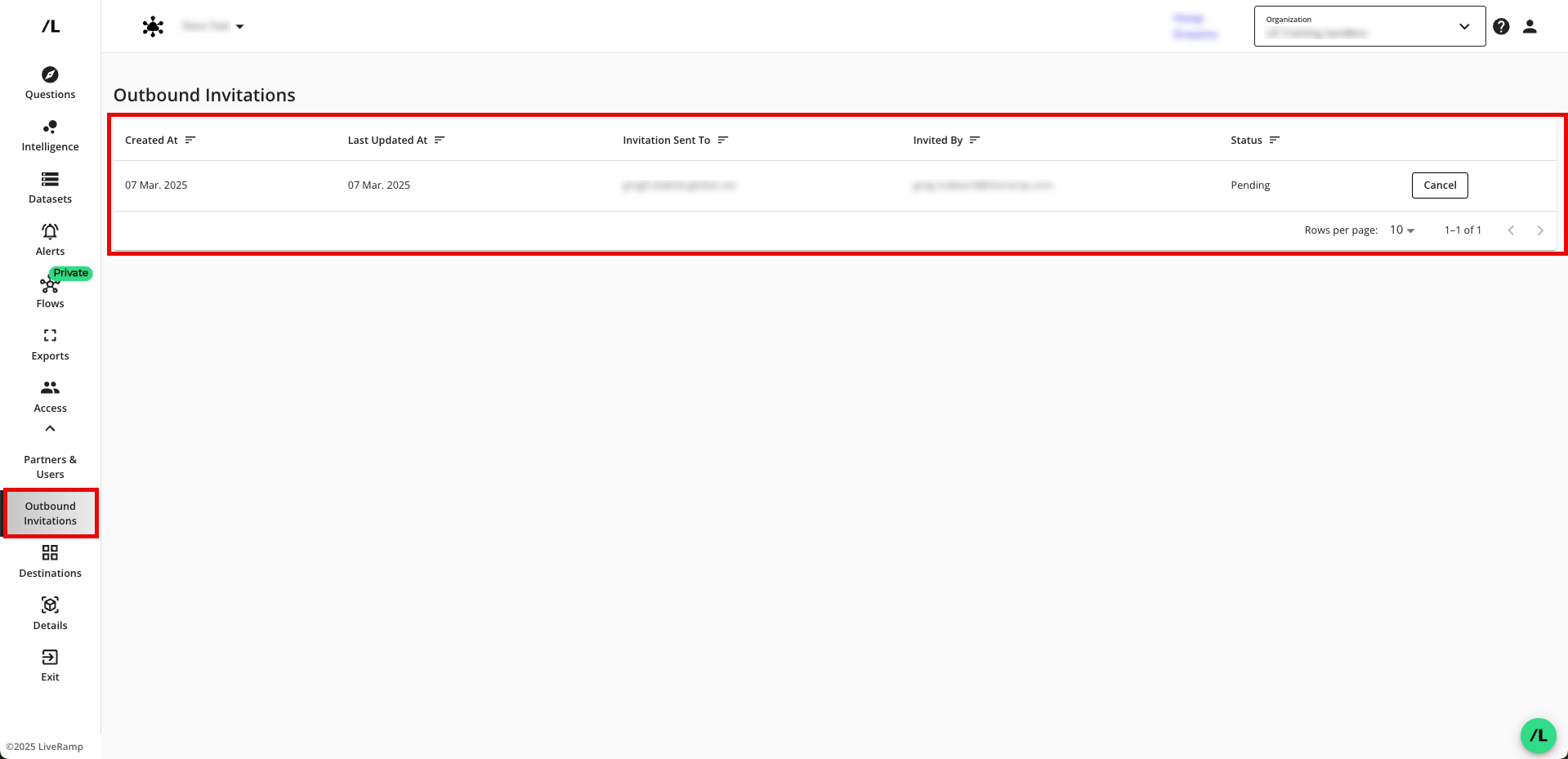
To view all the invitations you've sent, received, and their statuses, from the main navigation pane, select Clean Room Requests.
From the Clean Room Requests page, you can resend an invitation if it has expired by going to the Outbound Requests tab and then clicking Resend Invitation on the banner for the expired invitation.
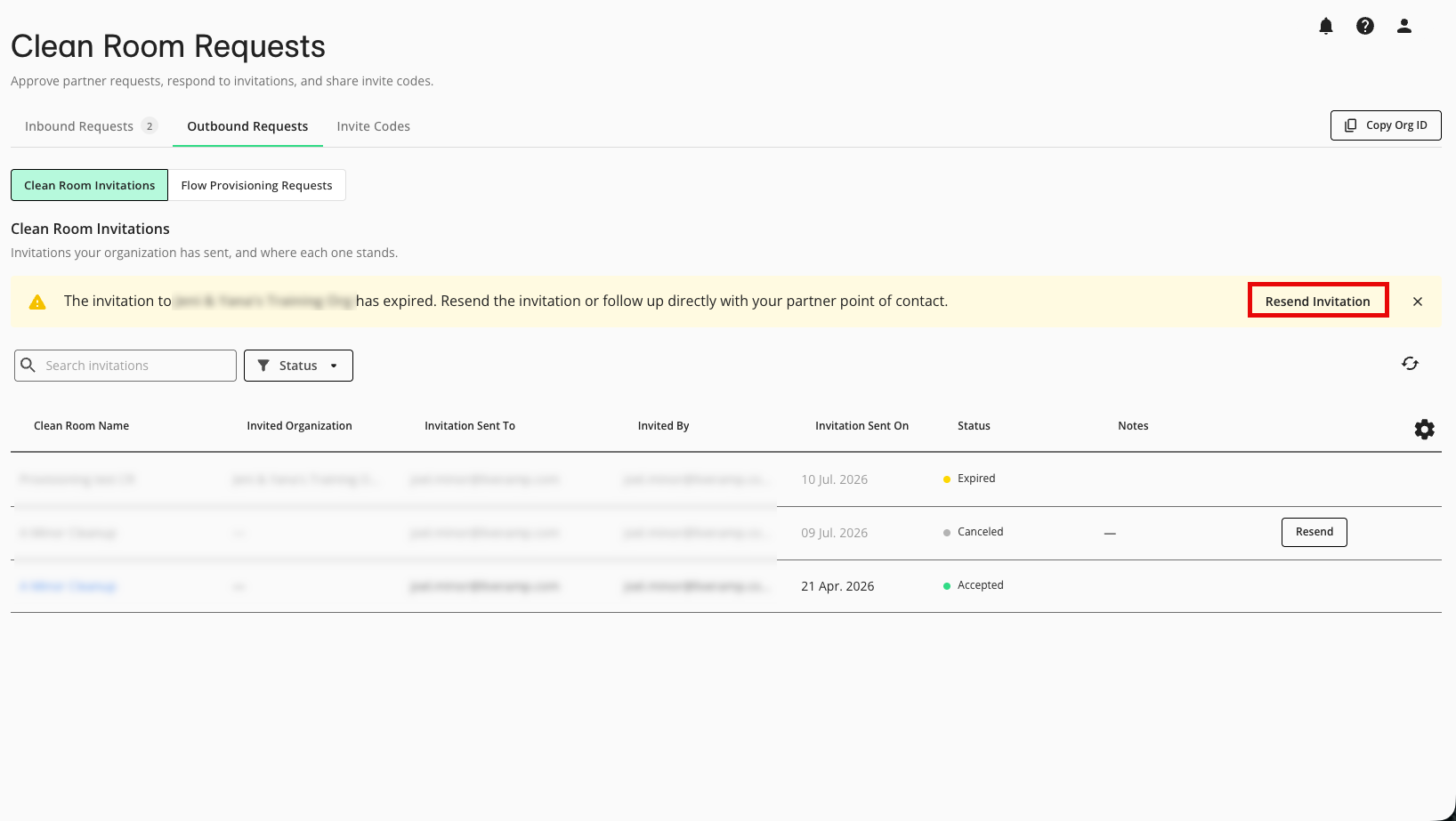
From the Clean Room Requests page, you can resend an invitation if it has been cancelled by going to the Outbound Requests tab and then clicking Resend in the row for the cancelled invitation.
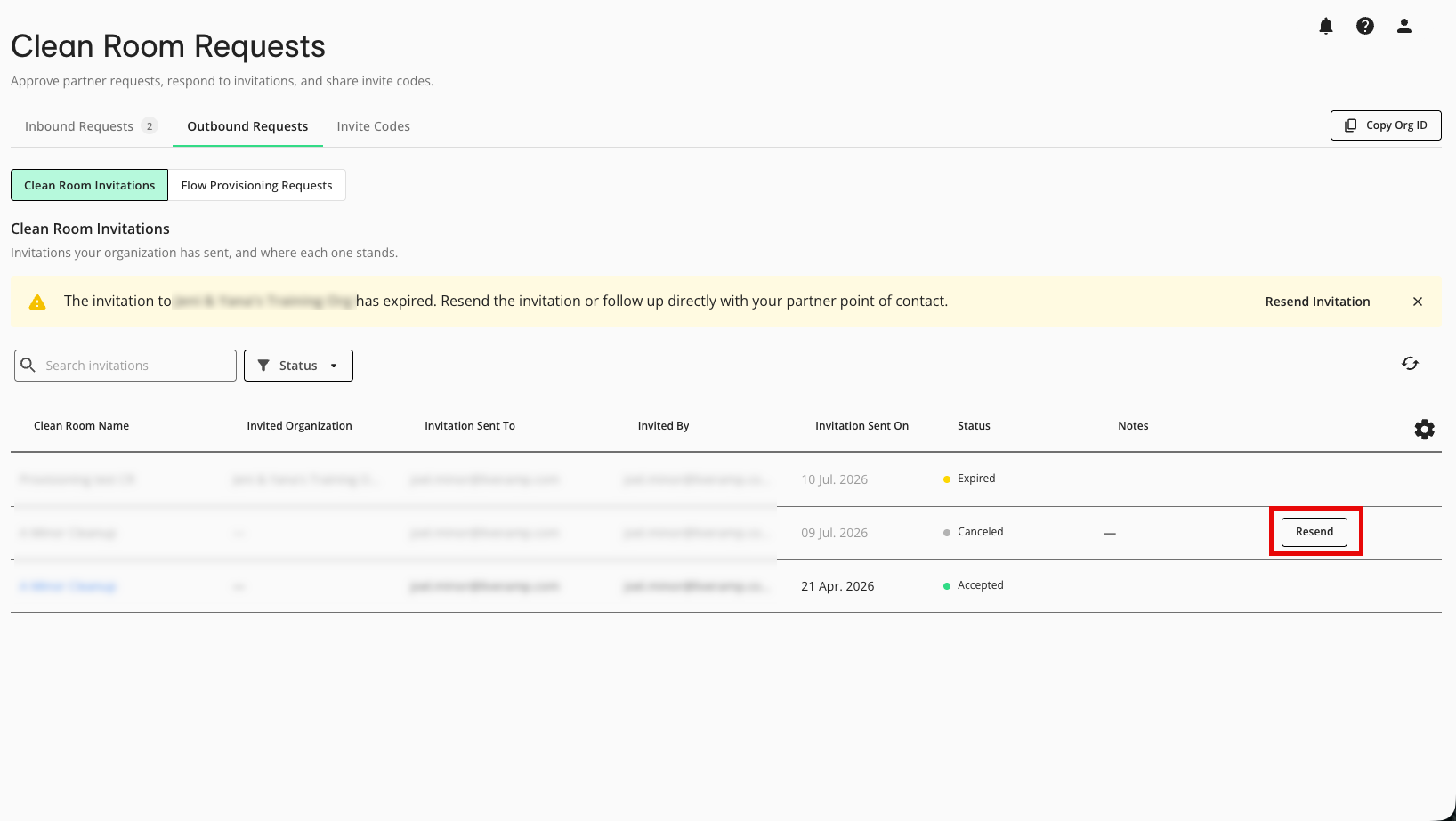
To add additional users to the clean room, you can create roles with different permission sets and assign users to those roles. For information, see "Manage Permissions Within a Clean Room".
Clean Room Invitation Guide for Partners
Users with the Clean Room Administrator permission (at the organization-level) can access the Clean Room Requests page to generate an invite code to send to clean room owners. They can also accept invitations on behalf of other users in their organization.
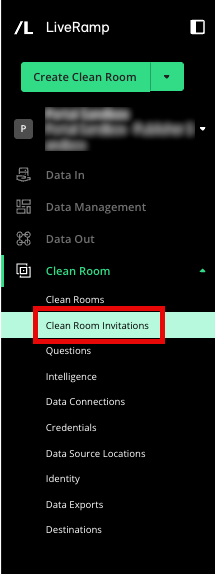
To go to the Clean Room Requests page, from the navigation pane, select Clean Room → Clean Room Requests .
Providing Organization Info to Clean Room Owners
In addition to emails, partner organizations can provide additional data to clean room owners to make sure invitations are being sent to the correct organization.
To get invited to a clean room, you can provide one of the following:
Organization ID: If your email belongs to multiple organizations, providing an org ID helps clean room owners pinpoint the exact organization that should receive the invitation. From any tabs within the Clean Room Request page, click and send the ID to the clean room owner alongside your LiveRamp-associated email address.
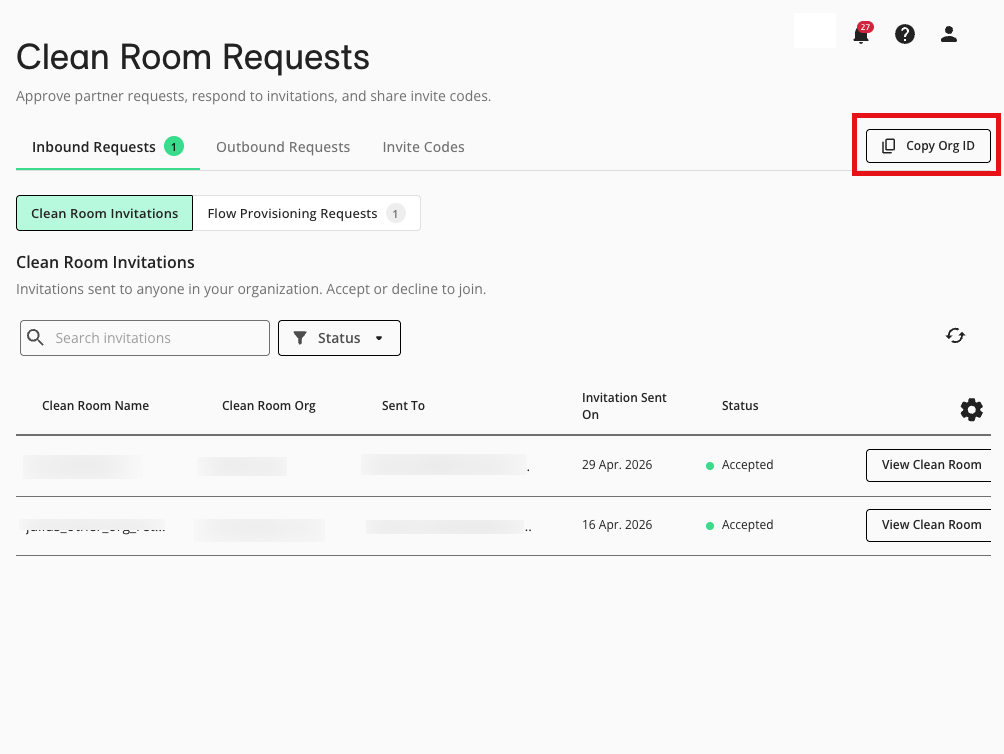
Tip
Your Org ID can also be found in your Connect URL:
https://connect.liveramp.com/?organization=[ORGANIZATION_ID]Invite code: You can generate a one-time invitation code for clean room owners to redeem from within their clean room. From the Clean Room Requests page, select the Invite Codes tab. Click , copy the displayed code, and send it to the clean room owner.
Note
Invite codes are valid for 7 days.
Accepting a Clean Room Invitation
A clean room administrator may respond to clean room invitations on behalf of the users in their organization. Once the invitation is accepted, the user to whom the invitation was sent is added to the clean room with the Partner Administrator role.
If the admin user believes the invitation was sent to the wrong person, they can also reject the invitation with a note for the clean room owner to resend the invitation to the correct person.
From the navigation menu, select Clean Room → Clean Room Requests to open the Clean Room Requests page.
From the Clean Room Invitations area of the Inbound Requests tab, locate the row for the invitation from the clean room owner and click .
From the dialog that appears, click Accept.