The Flow Management Page
Note
The Flows feature is currently only available for:
Hybrid clean rooms
Confidential Computing clean rooms
Snowflake clean rooms
The Flow Management page displays all flows available for you to manage in the following contexts:
Clean Room Flows: Flows available for you to manage in a clean room
Organization Flows: Flows available for your organization to manage across the clean rooms it owns
Account Flows: Flows available for your account to manage across organizations in the account
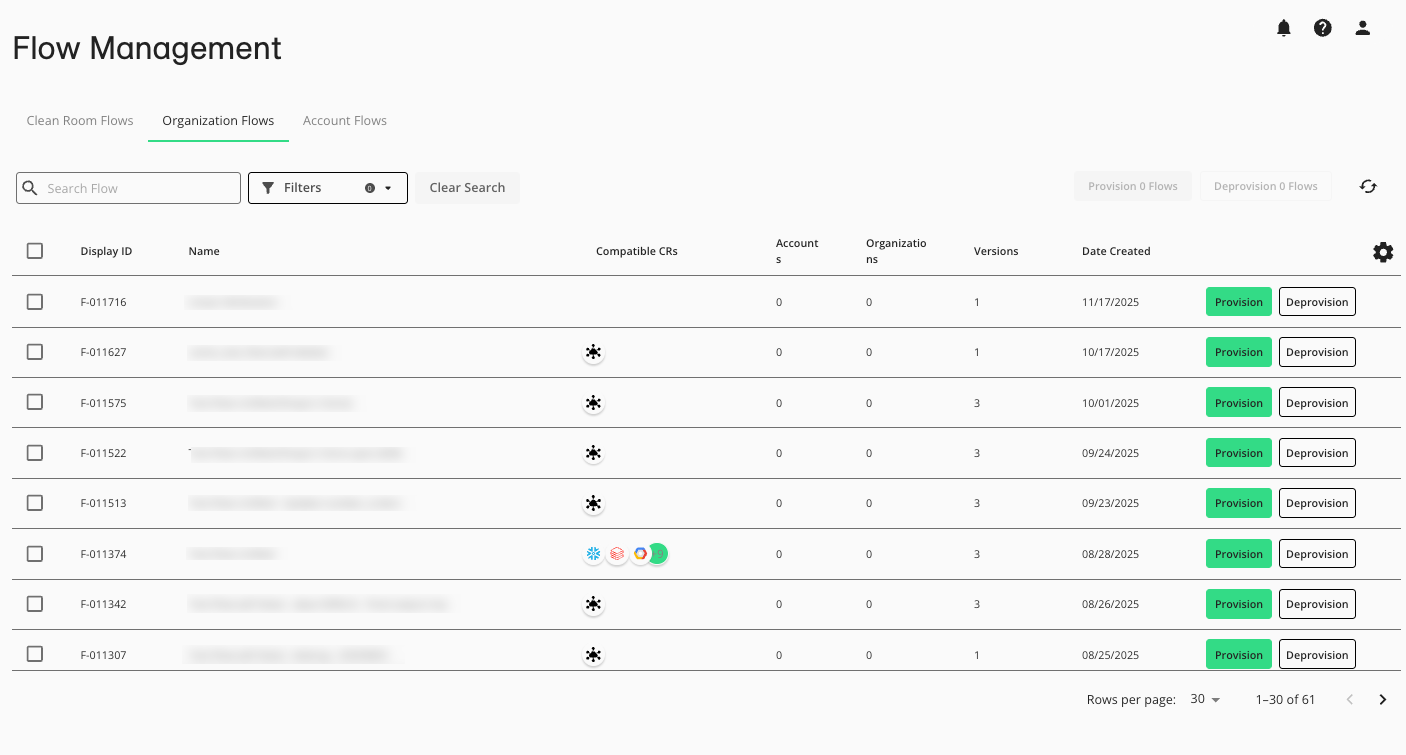
From the navigation menu, select Clean Room → Flow Management to open the Flow Management page.
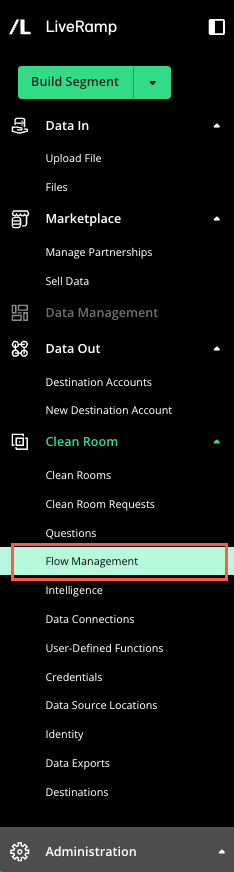
The Flow Management page displays:
Columns Available on the Flow Management Page
Column Name | Description |
|---|---|
Display ID | A unique identifier for the flow. |
Name | The name of the flow. You can use this to search for and sort flows |
Compatible CRs | The compatible clean room types the flow can be provisioned to |
Accounts | The number of accounts the flow is provisioned to |
Organizations | The number of organizations the flow is provisioned to |
Versions | The number of versions of the flow |
Date Created | The date the original flow was created |
Search for and Filter Flows
You can search for flows by name in the “Search Flow” search box. Filter flows on each tab as follows:
Clean Room Flows:
Clean Room: The clean room name
Clean Room Type: The clean room type, for example “Hybrid”, “Snowflake”, etc.
Status: Whether the flow has been provisioned
Organization Flows:
Clean Room Type: The clean room type, for example “Hybrid”, “Snowflake”, etc.
Status: Whether the flow has been provisioned
Account Flows:
Organization: The organization that owns the flow
Clean Room Type: The clean room type, for example “Hybrid”, “Snowflake”, etc.
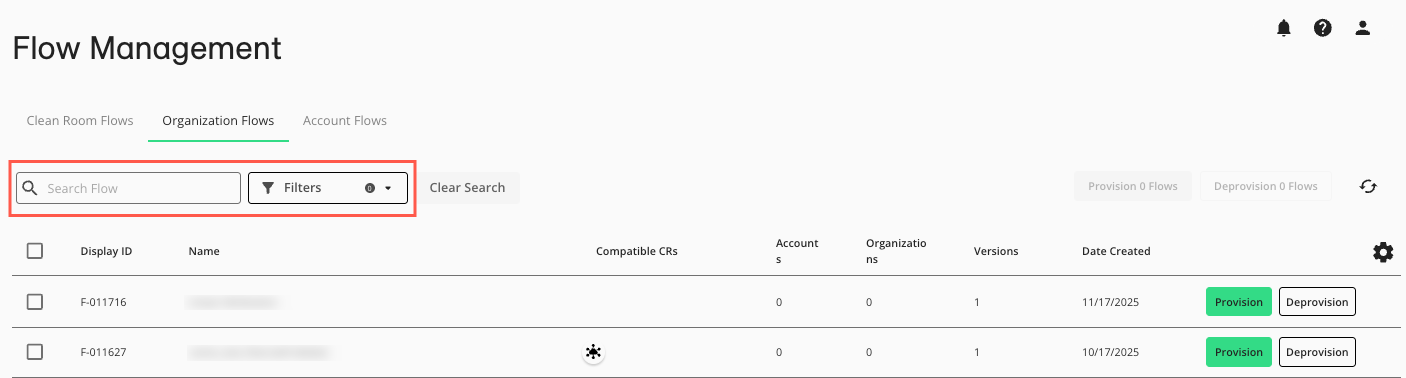
Actions You Can Perform from the Flow Management Page
You can perform the following actions from the Flow Management page:
View flows you can manage: Click a tab (Clean Room Flows, Organization Flows, or Account Flows) to view flows available for you to provision along with information on each flow, including compatible clean rooms, whether the flow is provisioned, and how many versions it has.
Provision or deprovision a flow: You can provision or deprovision one or more flows. For more information, see “Flow Provisioning and Partner Review”.