Edit a Segment
You can edit the segment rules and description for the following segment types that were created by your organization in your LiveRamp Connect account:
First-party data segments
Segments that use Clean Room data
Note
You cannot edit a segment that contains Data Marketplace data.
The segment must have a status of "Ready" or "Creation Failed". You cannot edit a segment that has a status of “Updating” or "Invalid".
To edit a segment:
From the Segments page, double click the segment’s row to open the full details page.
Note
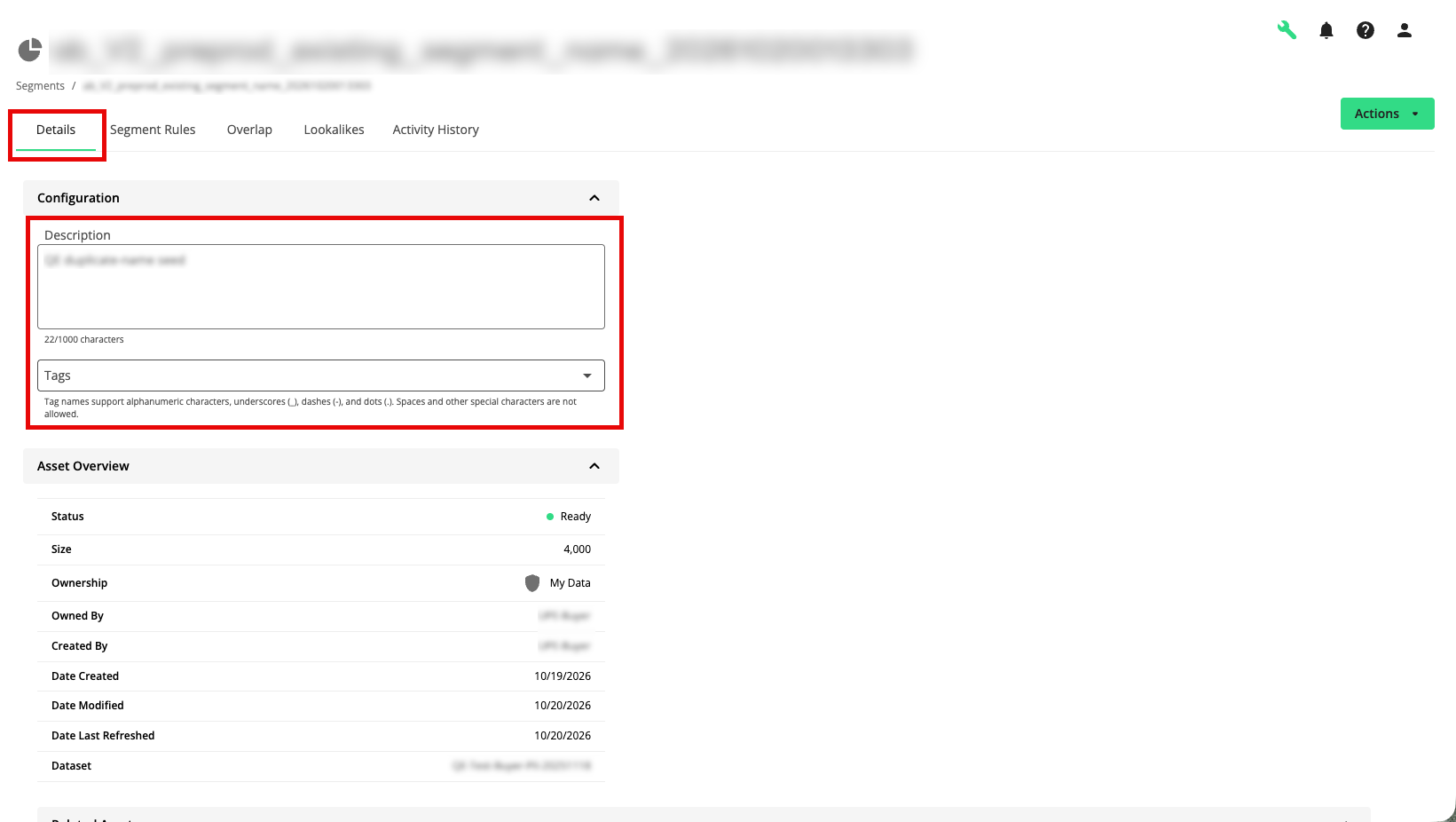
If you only want to edit the segment description or the tags, you can edit that via the details page for the segment from the Segments page (single click the segment row).
From the Details tab, you can edit the segment description and tags.
To edit the segment's rules, select the Segment Rules tab.
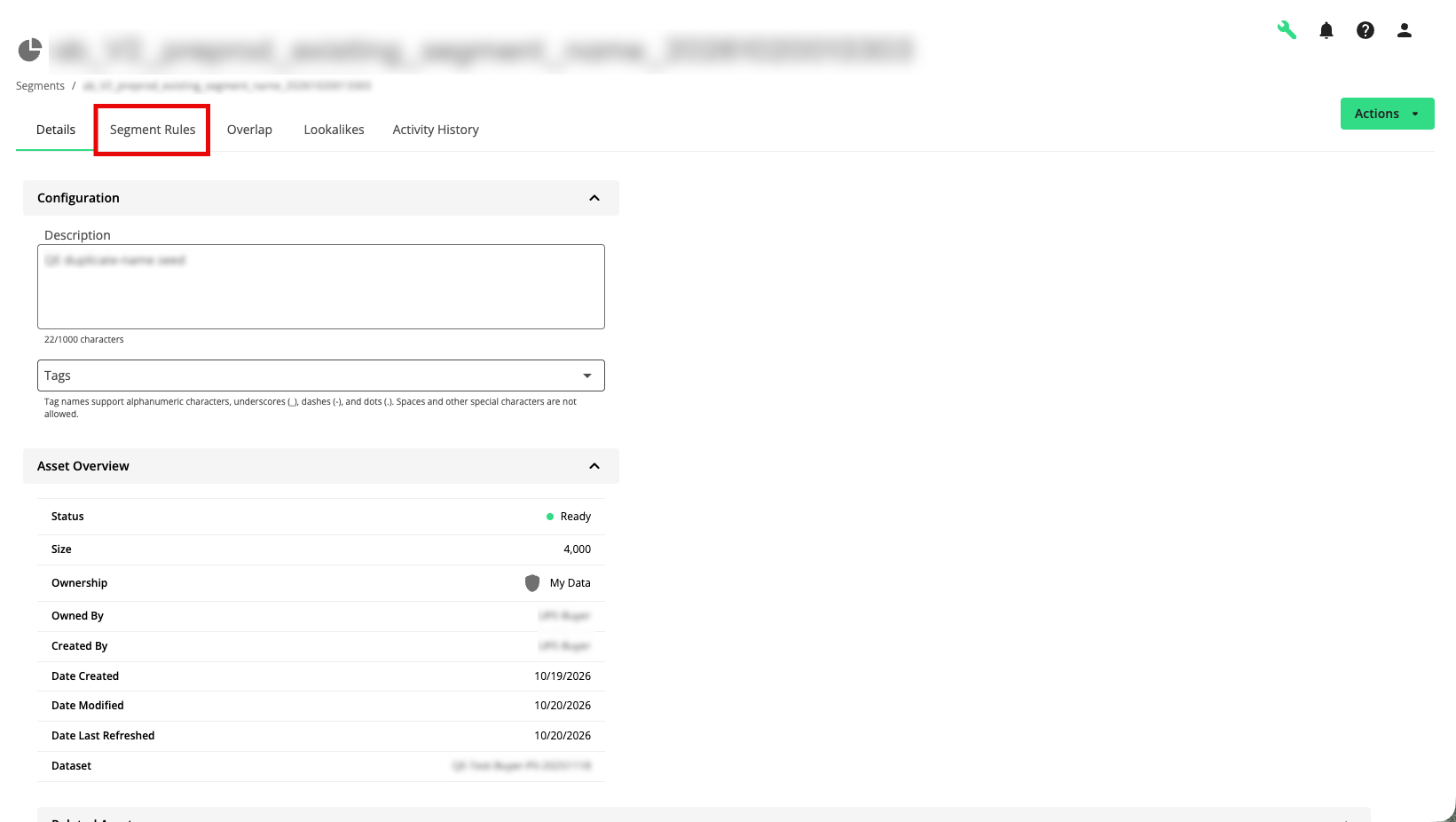
Make any desired changes to the segment rules and then click (for more information, see "Build a Segment").
