Distribute Data to Amazon Ads Data Manager
See the sections below for information on distributing first-party data data to Amazon Ads Data Manager (ADM).
This integration connects your LiveRamp account to Amazon Ads Data Manager using LiveRamp Connect, letting you distribute audience data across Amazon Ads products within the Amazon Ads platform. For an overview of the Amazon Ads Data Manager offering, see the Amazon Ads Data Manager Overview page.
Although this integration sits alongside our other Amazon integrations within the Amazon destination tile, this is a separate integration from LiveRamp’s existing connection to Amazon DSP. The Amazon DSP integration activates segments and audiences directly into Amazon’s demand-side platform for media buying, while the Amazon Data Manager integration allows you to activate your datasets across Amazon Ads use-cases, manage cross-account data sharing, build audiences, set up conversion measurement, and integrate with Amazon Marketing Cloud. See the “How the Amazon Ads Data Manager Integration Differs from the Amazon DSP Integration” section below. If you want both, you’ll need to set up two separate destination accounts (one per integration).
Note
This integration requires a Manager Account ID. Contact your Amazon representative or dedicated LiveRamp support team if you do not have a Manager Account ID.
Before you can add segments for distribution to ADM, you will need to contact your Amazon AE or Partner Manager to establish an Account Link (sharing grant) between your ADM Manager Account and AMC instance. This is a one-time setup fulfilled by Amazon engineering (usually within 3 business days). Until Amazon confirms that the sharing grant has been set up, any distributions to ADM will fail.
Amazon Ads Data Manager requires that an authorization using OAuth be performed before any distributions can be made to it. For more information, see the “Perform OAuth Authorization for Amazon Ads Data Manager” section below.
Note
Distributing data with Connect involves activating a destination account for the destination you're distributing to and then adding segments to the distribution for that destination account. See the articles below for instructions:
How the Amazon Ads Data Manager Integration Differs from the Amazon DSP Integration
LiveRamp offers two distinct integrations with Amazon. See the table below for more information.
Amazon DSP integration | Amazon Ads Data Manager integration | |
|---|---|---|
Purpose | Media activation: Targeting and buying | Data collaboration: Measurement, planning, and insights |
Where data lands | Amazon DSP audience/segment library | Amazon Ads Data Manager |
Typical next step | Launch or target a campaign | Activate your datasets across Amazon Ads use-cases, manage cross-account data sharing, build audiences, set up conversion measurement, and integrate with Amazon Marketing Cloud |
Note
These are configured as separate destination accounts in LiveRamp Connect. Setting up one does not automatically set up the other.
Overview of the Amazon Ads Data Manager Integration
See the table below for an overview of LiveRamp's integration with Amazon Ads Data Manager:
Caution
The information listed below was current at the time of publication and represents our best understanding of the integration based on the information available at the time, including information given to us by the destination platform. Any sections not filled out are areas we did not have information on at the time of publication. Use this as a general guide, but check with the platform to confirm any areas that are critical to your use case.
Category | Area | Info | Notes |
|---|---|---|---|
Delivery/Matching | Identifiers that can be delivered |
| LiveRamp resolves input data to RampIDs before sharing it into your AMC instance. |
Lookback window |
| ||
Time to live | |||
Precision levels allowed |
| For more information, see "Precision Levels". | |
Allowed input data types |
| ||
Enabled for Record Sync | Yes | For more information, see "Keep Destination Data Fresh with Record Sync". | |
Accepts raw fields | No | For more information, see "Platforms that Do Not Accept Raw Fields". | |
Duplicate segment names allowed | Yes | ||
Configuration | Account info needed |
| For more information, see the "Configure the Required Properties" section below. |
Requires OAuth authorization | Yes | For more information, see the "Perform OAuth Authorization for Amazon Ads Data Manager" section below. | |
Additional data restrictions | Segments that are being distributed to Amazon must not contain data that pertains to any of the types of information listed in the "Amazon Data Restrictions" section below. | For information on LiveRamp's standard data restrictions, see "LiveRamp Data Restrictions" and "Data Marketplace Segment Review and Approval". | |
Requires LiveRamp action to activate the destination account | No | ||
Data Marketplace | Accepts Data Marketplace data | No | Amazon Ads Data Manager does not currently support Data Marketplace (third-party) data distribution. Only first-party data can be distributed to Amazon Ads Data Manager through this integration. |
Data Marketplace pricing used | NA | ||
Additional Data Marketplace limitations or guidelines | NA | ||
Additional Information | Can display segment delivery stats in Connect | For more information, see "View Segment Delivery Stats". | |
Limit on the number of audiences per seat ID in the platform | None | ||
Exposure logs available | NA | ||
LiveRamp Conversions API program available | No |
Amazon Ads Data Manager Integration Options
When activating an Amazon Ads Data Manager destination account, the following integration options are available:
Use | Data Type | Who It's For | Integration Name |
|---|---|---|---|
Distributing first-party data to Amazon Ads Data Manager for planning and measurement use cases to gain insights and help you optimize campaigns and create audiences across Amazon Ads products | First-party data |
| [Record Sync] Amazon Ads Data Manager First Party Data |
Distribute First-Party Data to Amazon Ads Data Manager
To distribute first-party data to Amazon Ads Data Manager, follow our instructions on activating a destination account and select the "[Record Sync] Amazon Ads Data Manager First Party Data" integration tile.
Note
Before you can add segments for distribution to ADM, you will need to contact your Amazon AE or Partner Manager to establish an Account Link (sharing grant) between your ADM Manager Account and AMC instance. This is a one-time setup fulfilled by Amazon engineering (usually within 3 business days). Until Amazon confirms that the sharing grant has been set up, any distributions to ADM will fail.
Once you’ve activated the destination account, follow our instructions on distributing data to a destination.
Configure the Required Properties
When activating the destination account, the following fields are required:
Note
Contact your Amazon account team if you have any questions about your Advertiser Account ID, Account Entity ID, or AMC instance naming.
Field | Description | Notes |
|---|---|---|
Manager Account ID | Enter the Amazon manager account ID this data should be tied to. | Contact your Amazon representative if you are unsure where to locate your Manager Account ID or do not have one. |
Country Code | Enter "US". | The ADM integration only supports the US currently. |
Advertiser Account IDs | Enter your Amazon-provided 18-character numerical ID(s). | Contact your Amazon representative if you are unsure where to locate your Advertiser Account ID. Either Advertiser Account ID or AMC Instance ID is required. |
AMC Instance IDs | Enter the name(s) of the Amazon Marketing Cloud instance(s) you want this data shared into. You can list more than one instance. | Contact your Amazon representative if you are unsure where to locate your AMC Instance ID. Either Advertiser Account ID or AMC Instance ID is required. |
Destination Account Name | The name you want to give to this destination account. | Enter a unique and memorable name for this destination account, or accept the default suggested name. You can use any name you want as long as it is less than 150 characters in length. |
Perform OAuth Authorization for Amazon Ads Data Manager
Amazon requires that an authorization using OAuth be performed by a user with the appropriate permission level before any distributions can be made to Amazon Ads Data Manager.
Within Connect, OAuth authorizations are performed by utilizing an OAuth "connection" and validating it with your destination-specific information. A connection can be created by any user with the appropriate permission level at Amazon and can be reused for multiple Amazon Ads Data Manager destination accounts. See "Managing OAuth Connections" for information on creating, viewing, and managing OAuth connections.
This validation must be done when the destination account is activated, either by using an existing Amazon Ads Data Manager OAuth connection or by creating a new Amazon Ads Data Manager connection during the activation process. You can also create an Amazon Ads Data Manager OAuth connection outside of the destination account activation process. See "Activate a Destination Account for OAuth Destinations" for more information.
Permission level required: The Amazon account needs to have admin or edit permissions.
To perform a new OAuth authorization for Amazon Ads Data Manager:
During the destination account setup in LiveRamp Connect, select Create New OAuth Connection from the OAuth connection dropdown. You’ll be redirected to ADM to complete the authentication process.
Click .
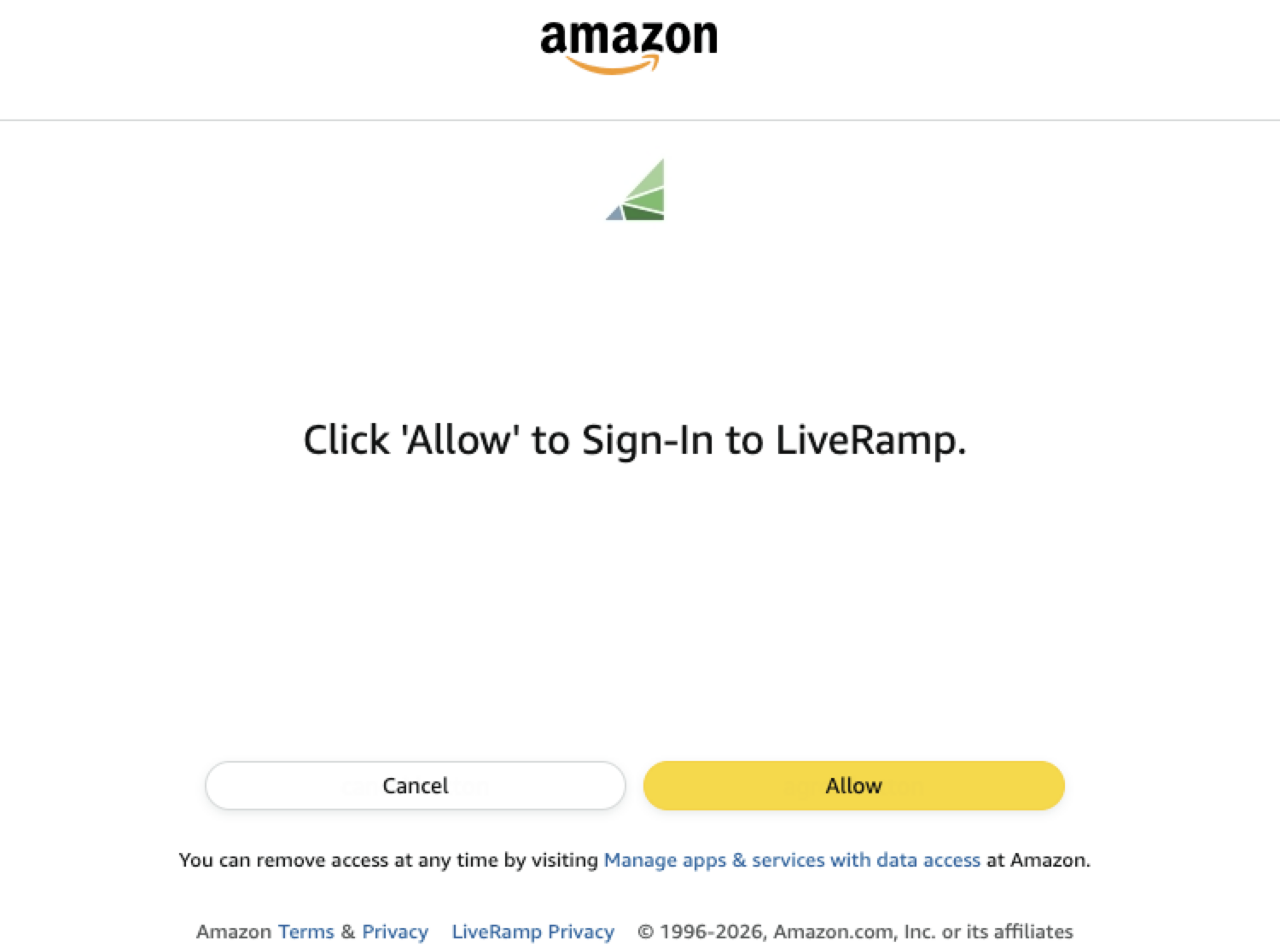
You’ll be directed back to the destination account configuration screen.
Click to complete the OAuth validation.
Amazon Data Restrictions
Segments that are being distributed to Amazon must not contain data that pertains to any of the types of information listed below (in addition to LiveRamp's restrictions listed in "LiveRamp Data Restrictions" and "Data Marketplace Segment Review and Approval"):
Note
For complete information on Amazon's restrictions, see this Amazon article.
Health & Medical Conditions — e.g., specific diseases, mental health conditions, disabilities
Sexual Orientation & Gender Identity
Religious Beliefs & Affiliations
Racial or Ethnic Origin
Political Opinions or Affiliations
Financial Hardship or Distress — e.g., bankruptcy, poor credit scores
Children's Data — targeting based on data from users known to be under 13 (or applicable local age threshold)
Precise Location Data tied to sensitive venues (e.g., medical facilities, places of worship, union halls)
Adult/Sexual Content targeting
Illegal Products or Activities
Tobacco & Related Products
Weapons & Explosives